

System Preparation and Startup Instructions
Requirements
informationInstallation Steps
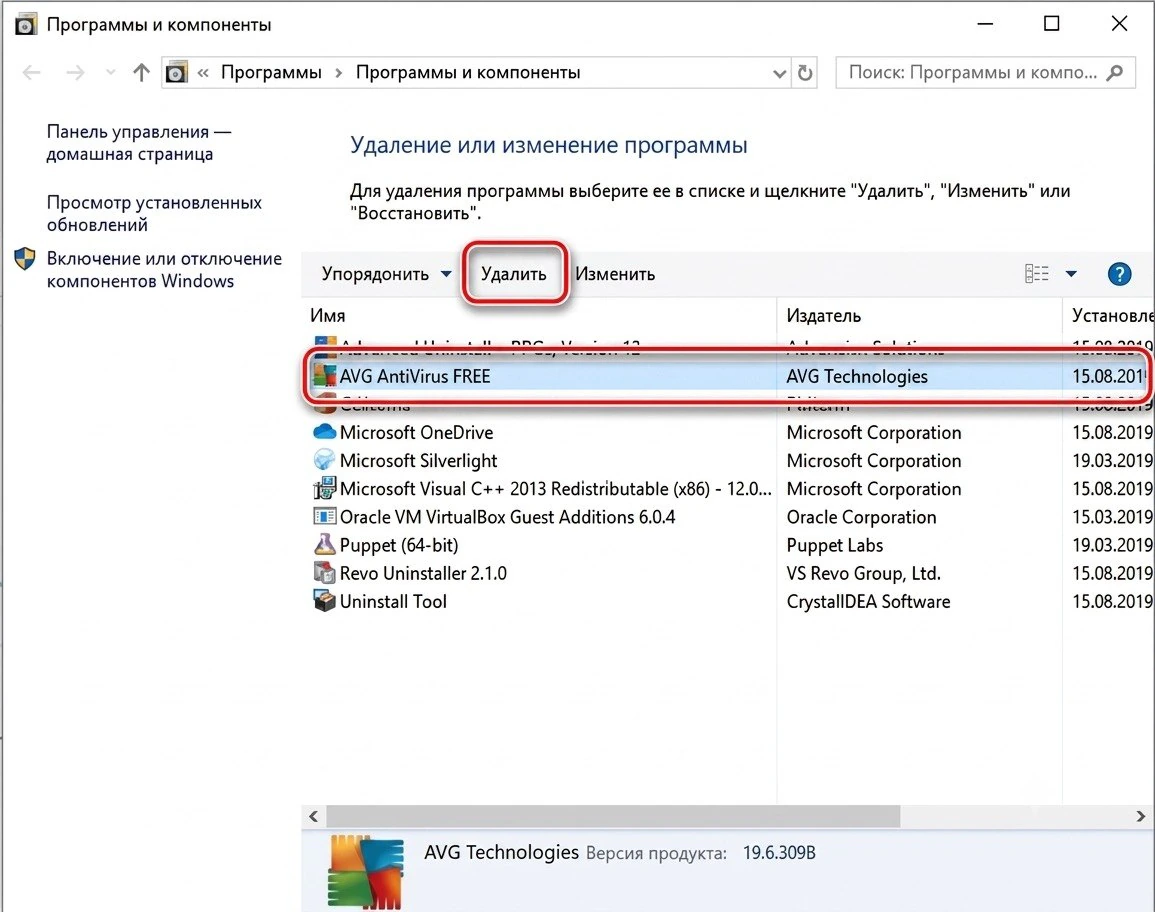
🛡️ 1. Remove all antivirus programs
• Completely remove any installed antivirus programs using standard Windows tools or specialized utilities.
• Also, disable the built-in Windows antivirus using the program available at this link: Dcontrol.
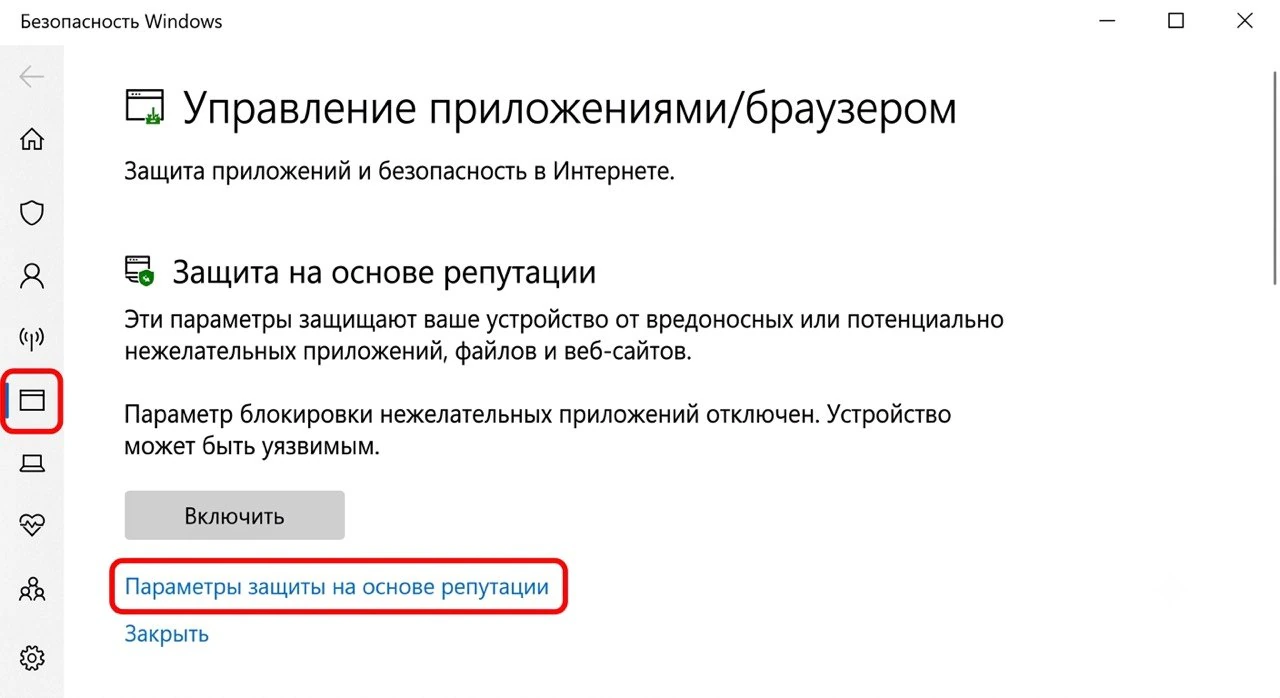
⚙️ 2. Disable real-time protection
Go to: Settings → Update & Security → Windows Security → Virus & threat protection → Manage settings → Turn off real-time protection. 🔵 Disable it manually via system settings.
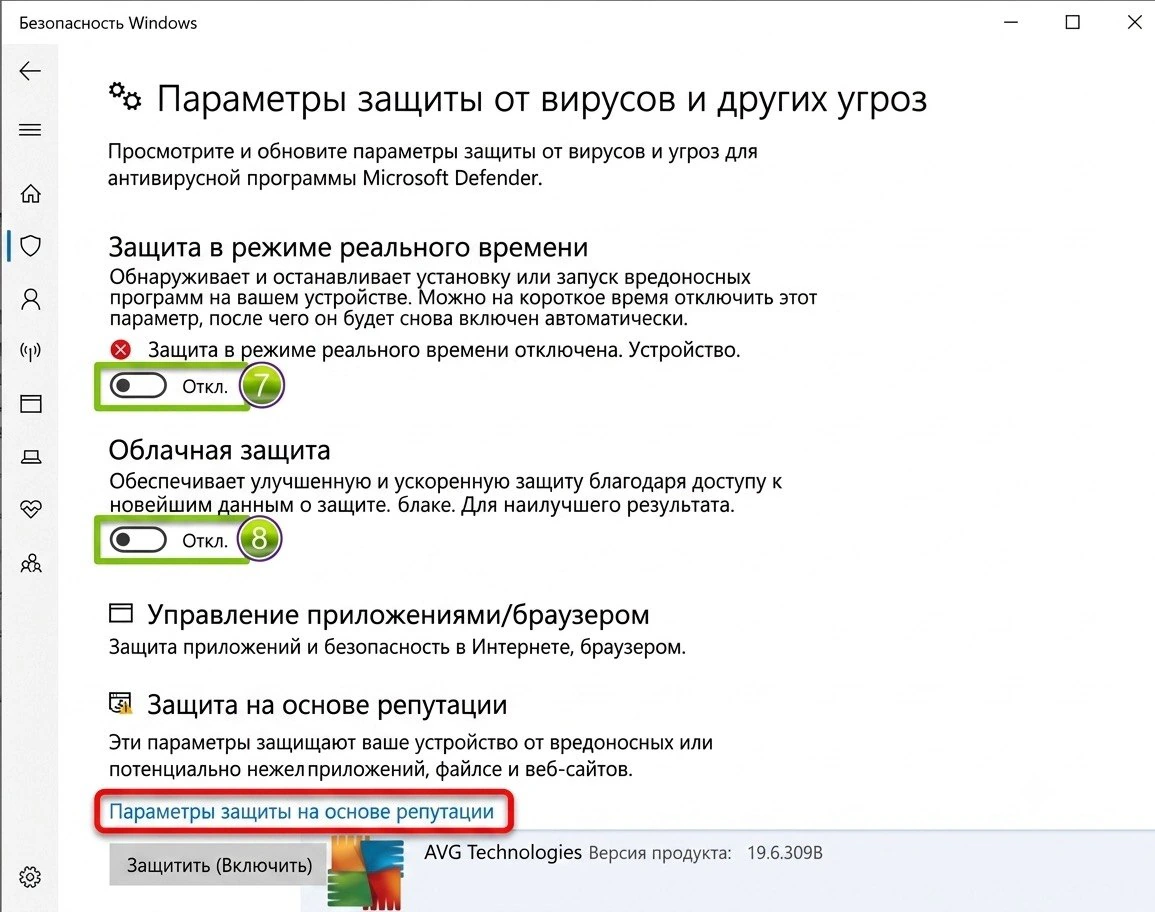
🚫 3. Disable reputation-based protection settings
Go to: Settings → Update & Security → Windows Security → App & browser control → Reputation-based protection → Turn off all settings.
🛒 4. After purchase
You will receive an activation key and these instructions. Example key: GHOSTABI-5FR5-0DAW-P343-4HDT
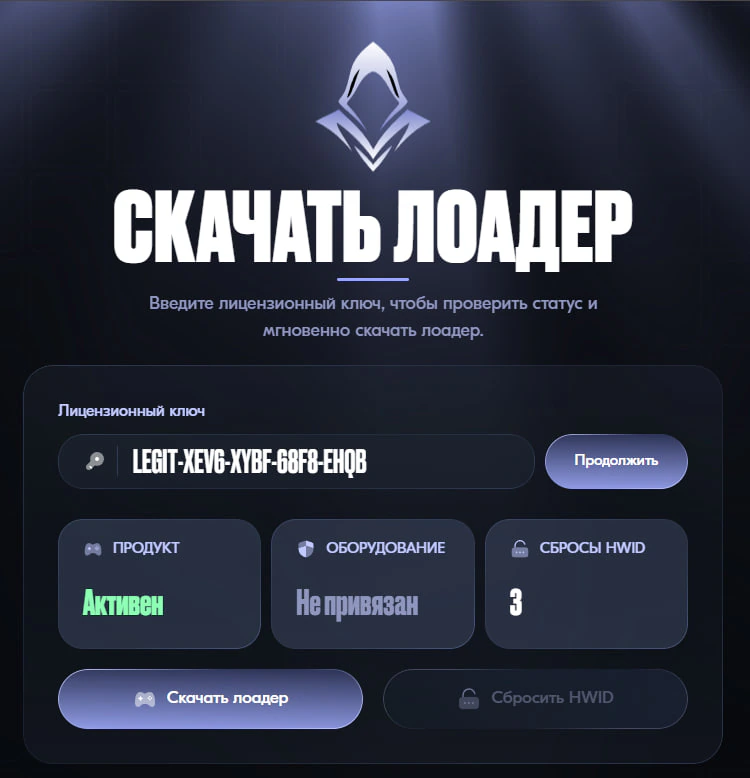
🔗 5. Following the link
• Open the website: https://ghost.download/
• Paste the received key into the field and click Continue.
📥 6. Download the launcher
• The launcher download will begin after activation.
• If your browser blocks the download, disable browser protection or use a different browser.
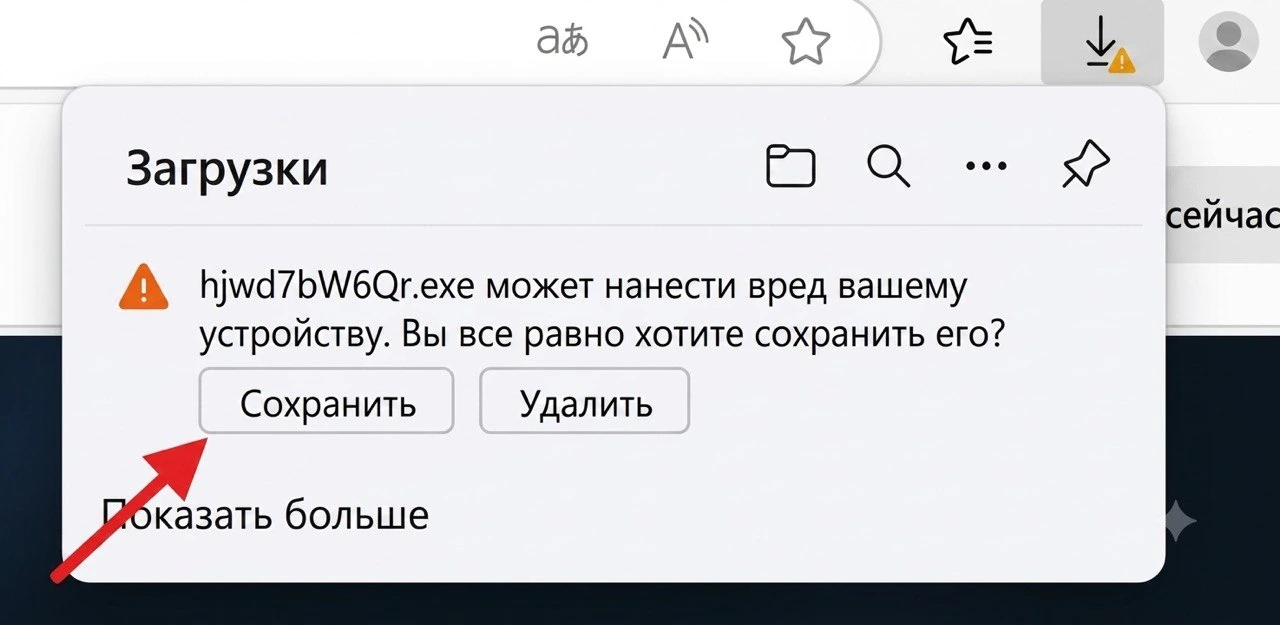
🖥️ 7. Launching the cheat
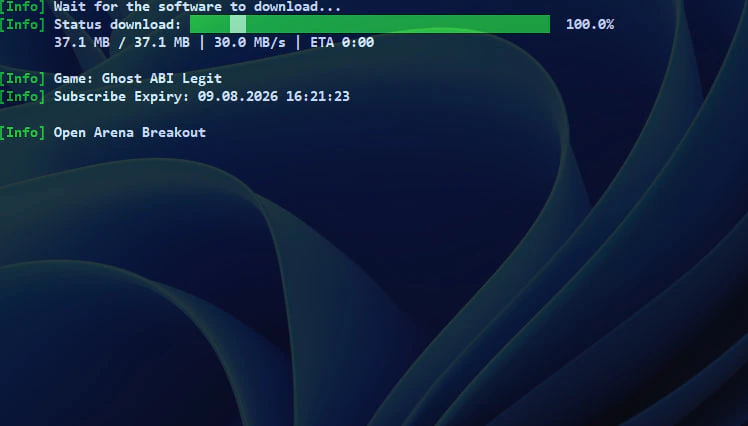
• A small, transparent window will appear showing the product downloading. (If the window displaying "Wait for the software to download" remains open for more than two minutes or closes unexpectedly, please relaunch the loader.)
• Once the injection is successful, the window will display a message indicating that you can launch the game.
🕹️Software operation in-game
F1 — Thermal Visor (built-in thermal vision, just like in the game) F2 — No Recoil (adjustable via + and - keys)