Ghost Cheats
Sign in
Product status:Undetected

Rob Run ESP

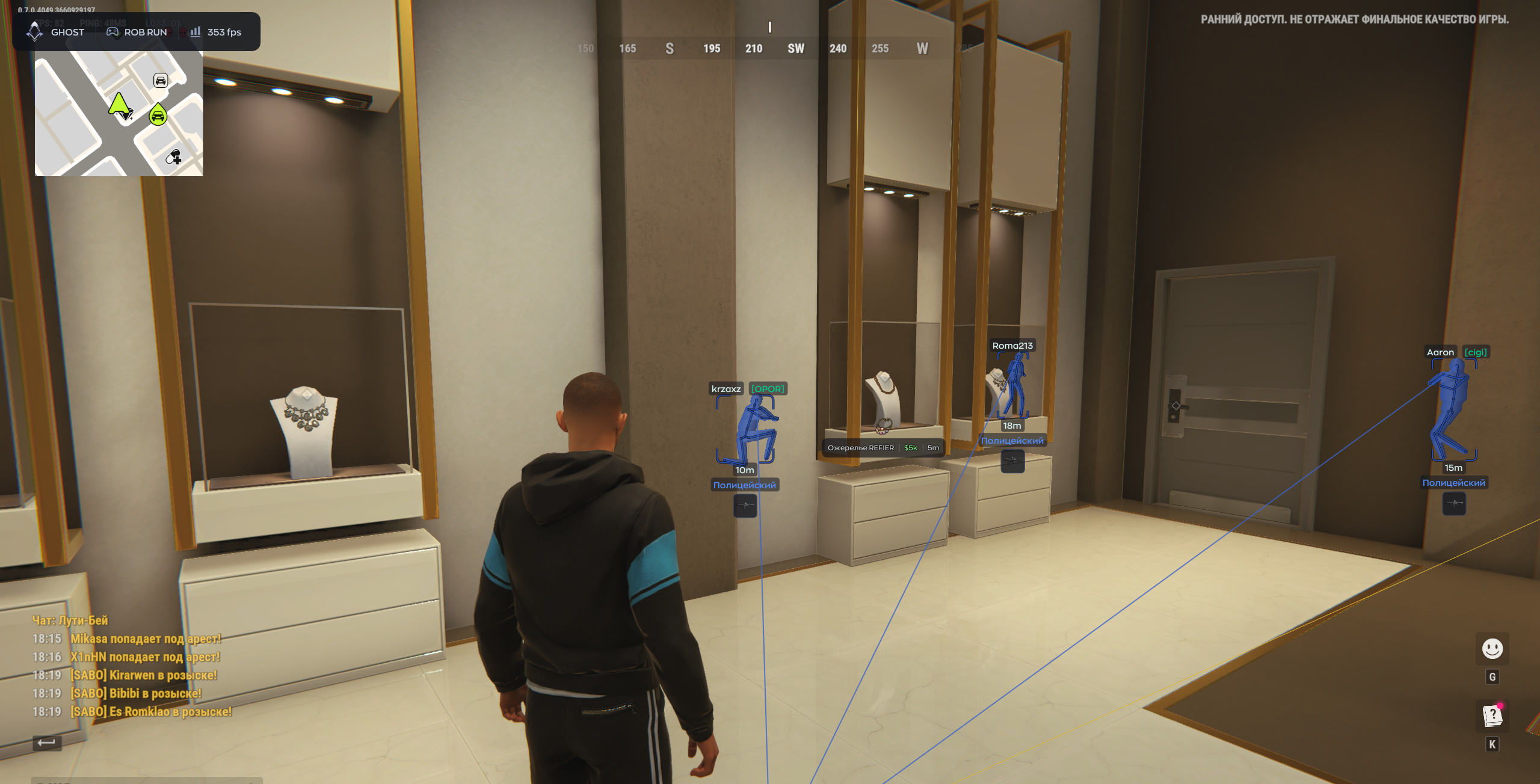
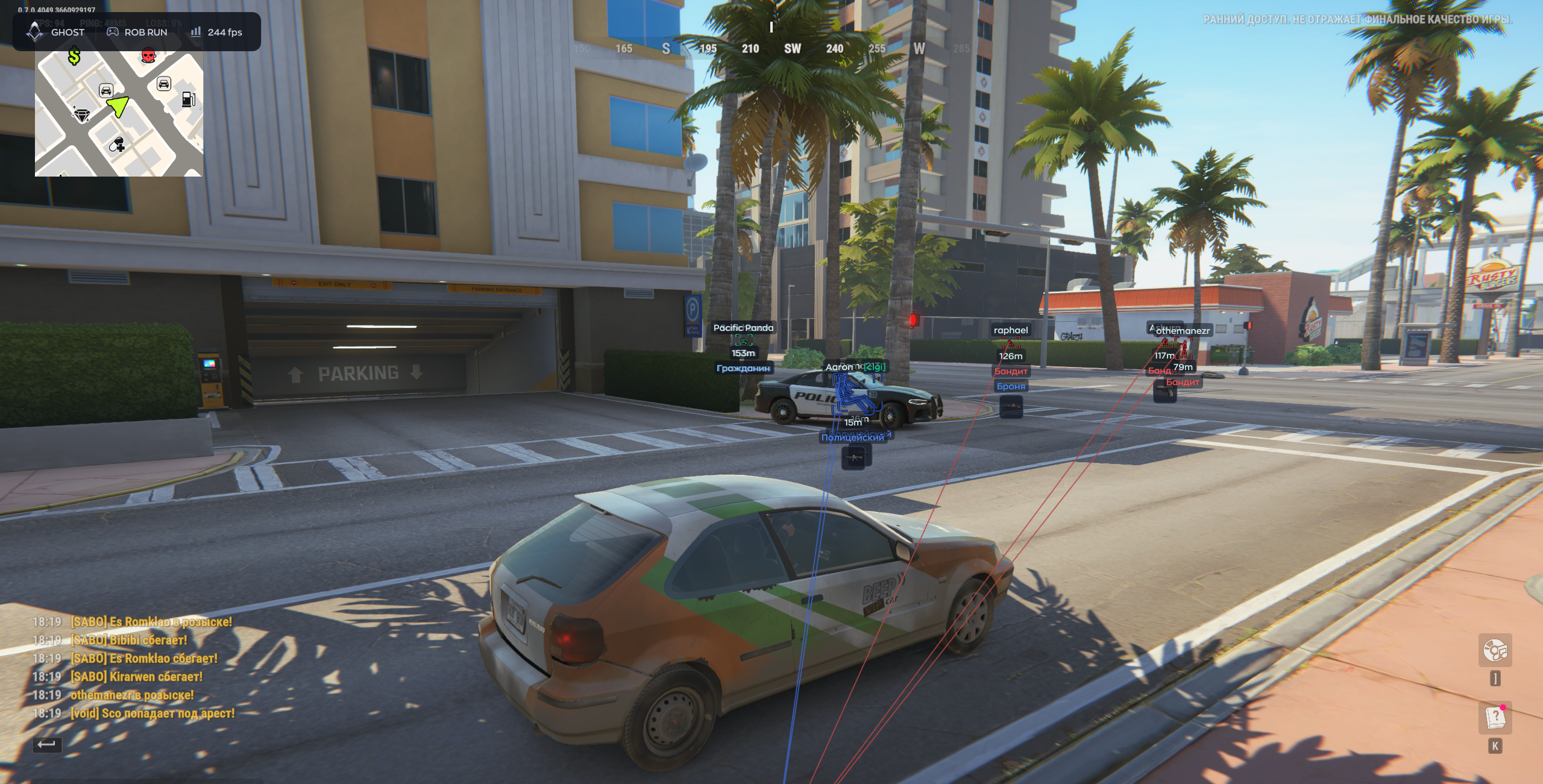
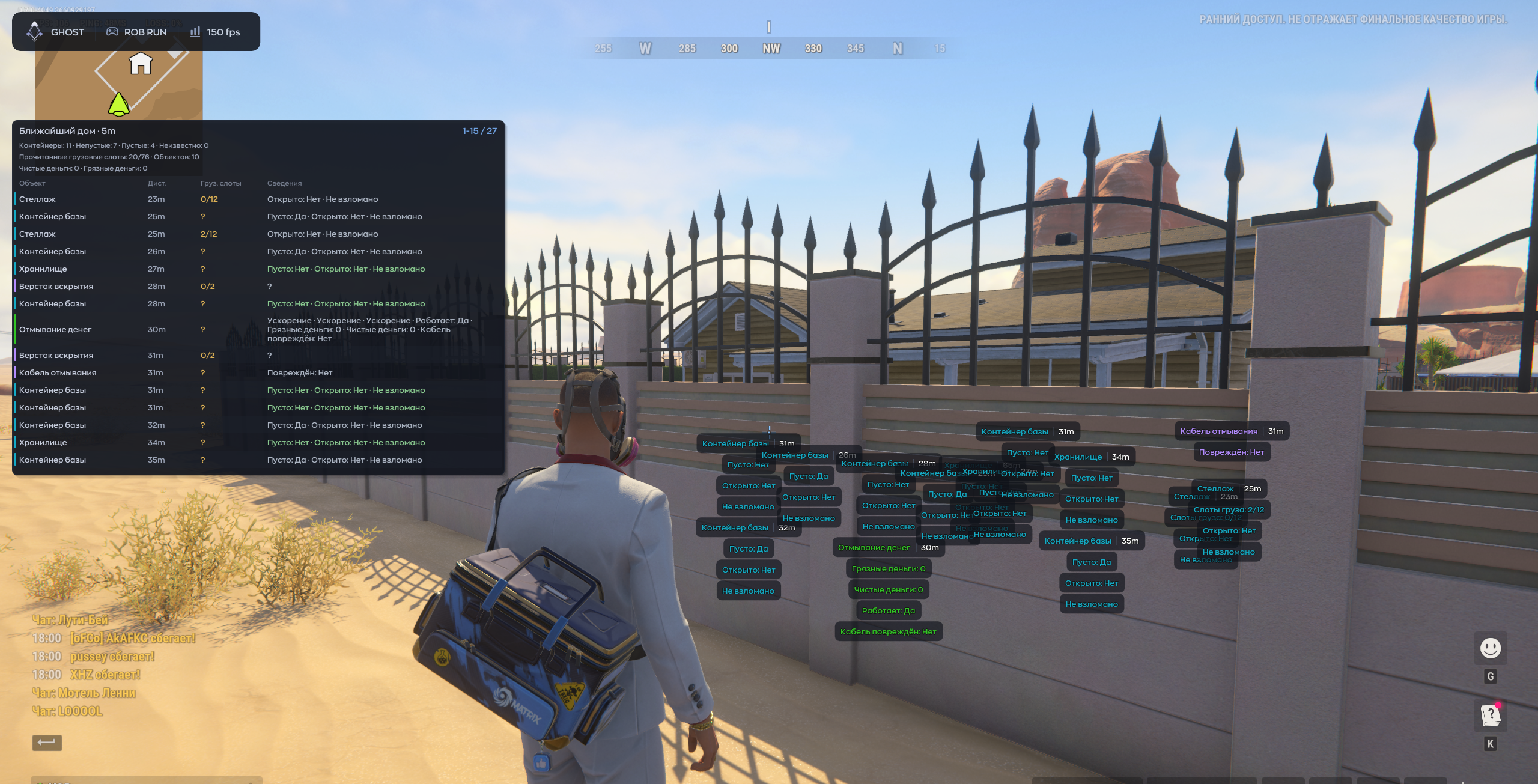
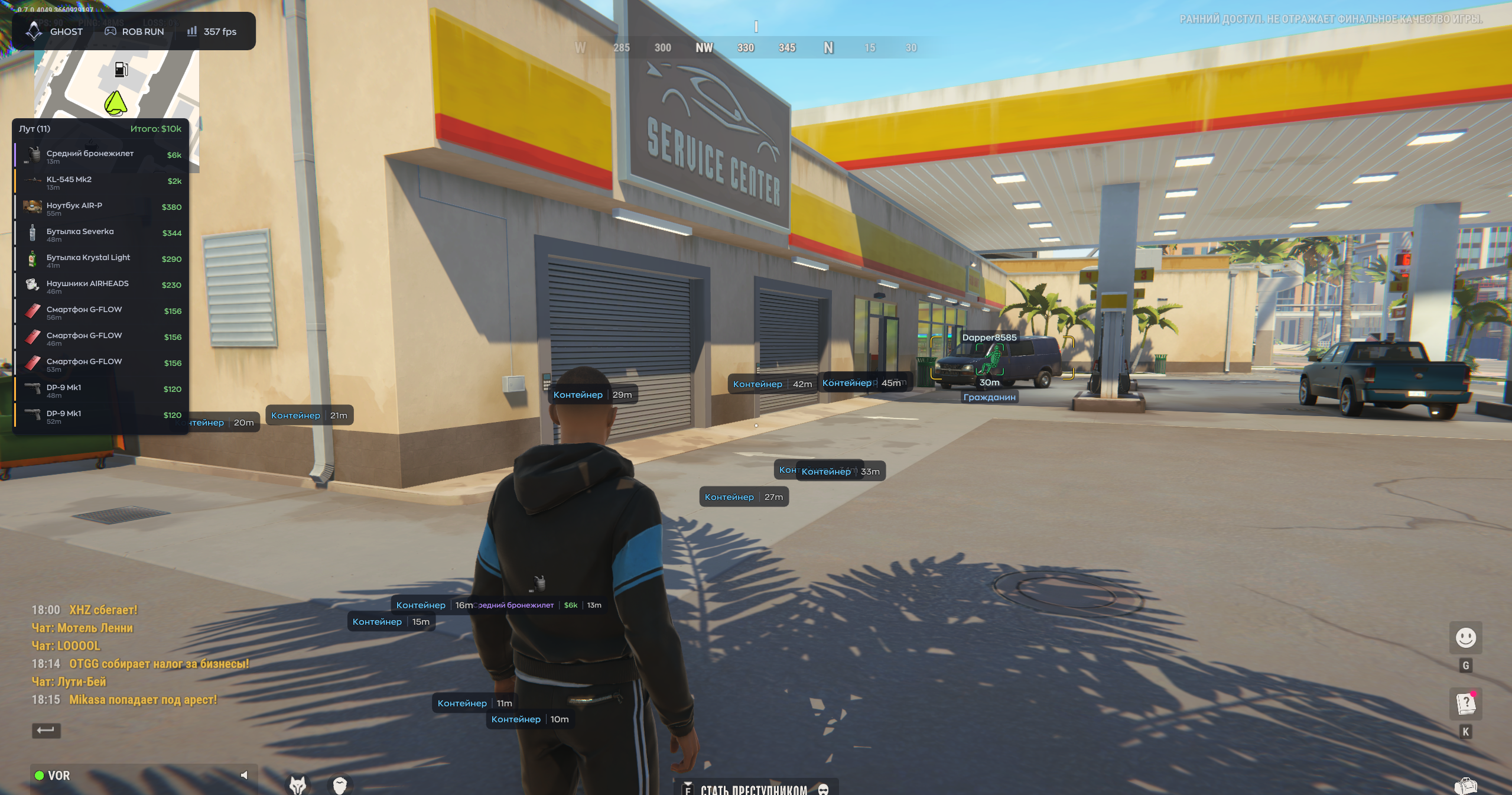
Ghost ESP for Rob Run — visual-only features: player ESP (boxes, skeletons, usernames), WallHack (seeing through walls), and highlighting for items and loot. Includes customizable colors and filters, plus protection against account bans.

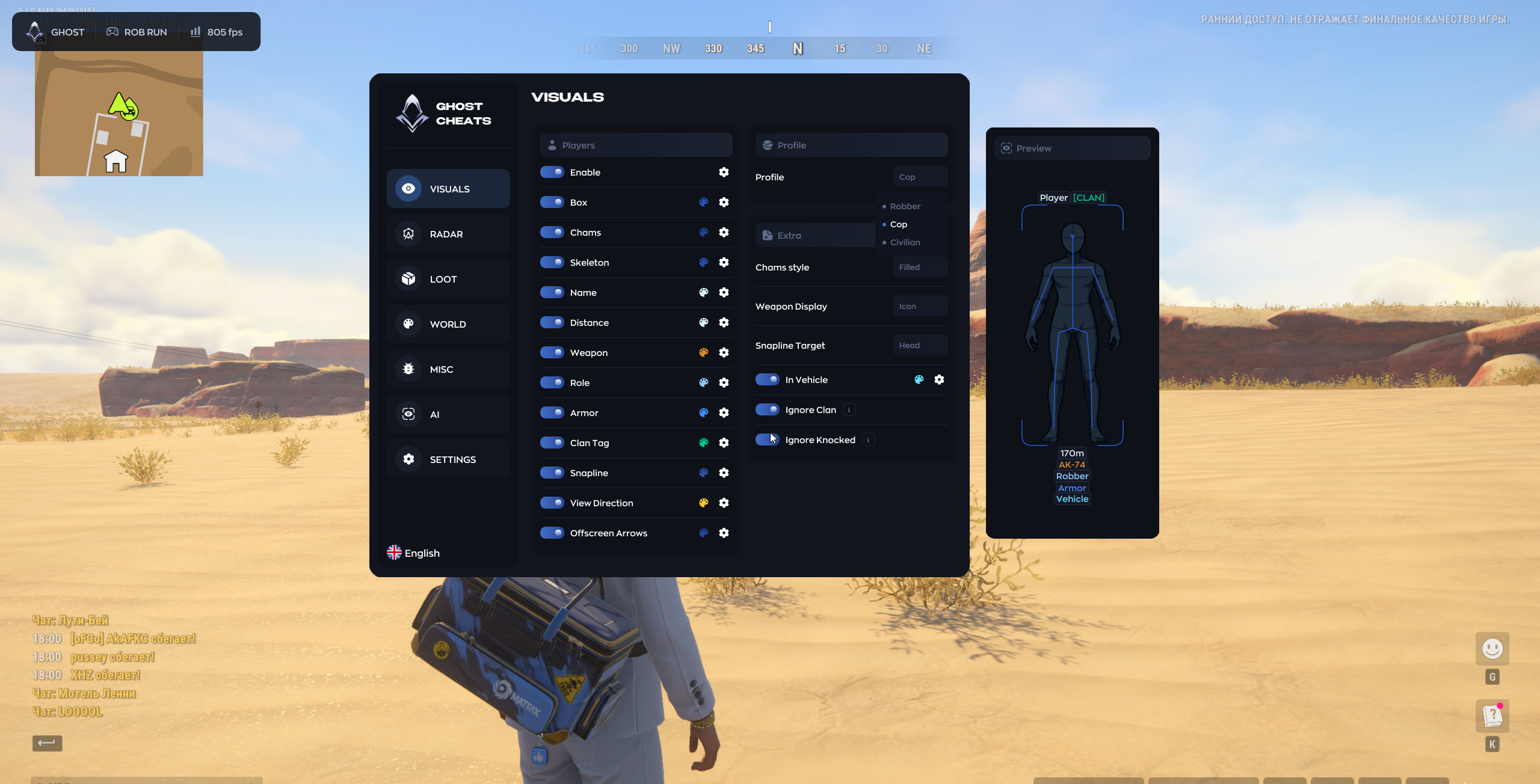
VISUALS - ESP

PLAYERS
Enabled
Visible Checkrisk!
Weapon
Distance
100m
Armor
Skeleton
BOTS
Enabled
Visible Check
Weapon
Distance
100m
Armor
ZOMBIES
Enabled
VEHICLES
Enabledrisk!
Distance
100m
{36FBAB85-8AAE-461D-9225-D78D390FAEAF}.webp

Choose plan

Pick your duration — instant activation, updates and 24/7 support already included.

Regular plan
$2.00−10%
$1.801 day

A full day of access. A clean way to test the cheat on your own rig and in your own games before committing to a longer plan.

Regular plan
$15.00−15%
$12.7530 day

The best value per day — built for players who are on daily.

Plan discount−15% ($2.25)
Quantity1
Total$12.75

Sign in to unlock rank, referral and bonus discounts

Regular plan
$10.00−15%
$8.507 day

A week with no limits. The sweet spot for evening and weekend sessions.

all about our product

A detailed look at the product: supported features, flexible settings and the system requirements for smooth, stable performance.

Box — Draws a rectangle around the player model.
Chams — Recolors the player model with a solid color.
Skeleton — Displays the player's skeletal structure.
Name — Shows the player's nickname.
Distance — Shows the distance to the player.
Weapon — Displays the player's weapon.
Role — Shows the player's in-game role or profession.
Armor — Displays the presence and level of armor.
Clan Tag — Shows the player's clan or faction tag.
Line — Draws a line from the edge (or bottom) of the screen toward the player.
View Direction — Displays a line indicating the direction the player is looking.
Show Factions — A display filter for factions.
Weapon Selection — Allows choosing the weapon display format (icon or text).
Ignore Clan — Allows you to ignore specific clans or tags.
Preview — A preview window for visualizing your settings on a model.
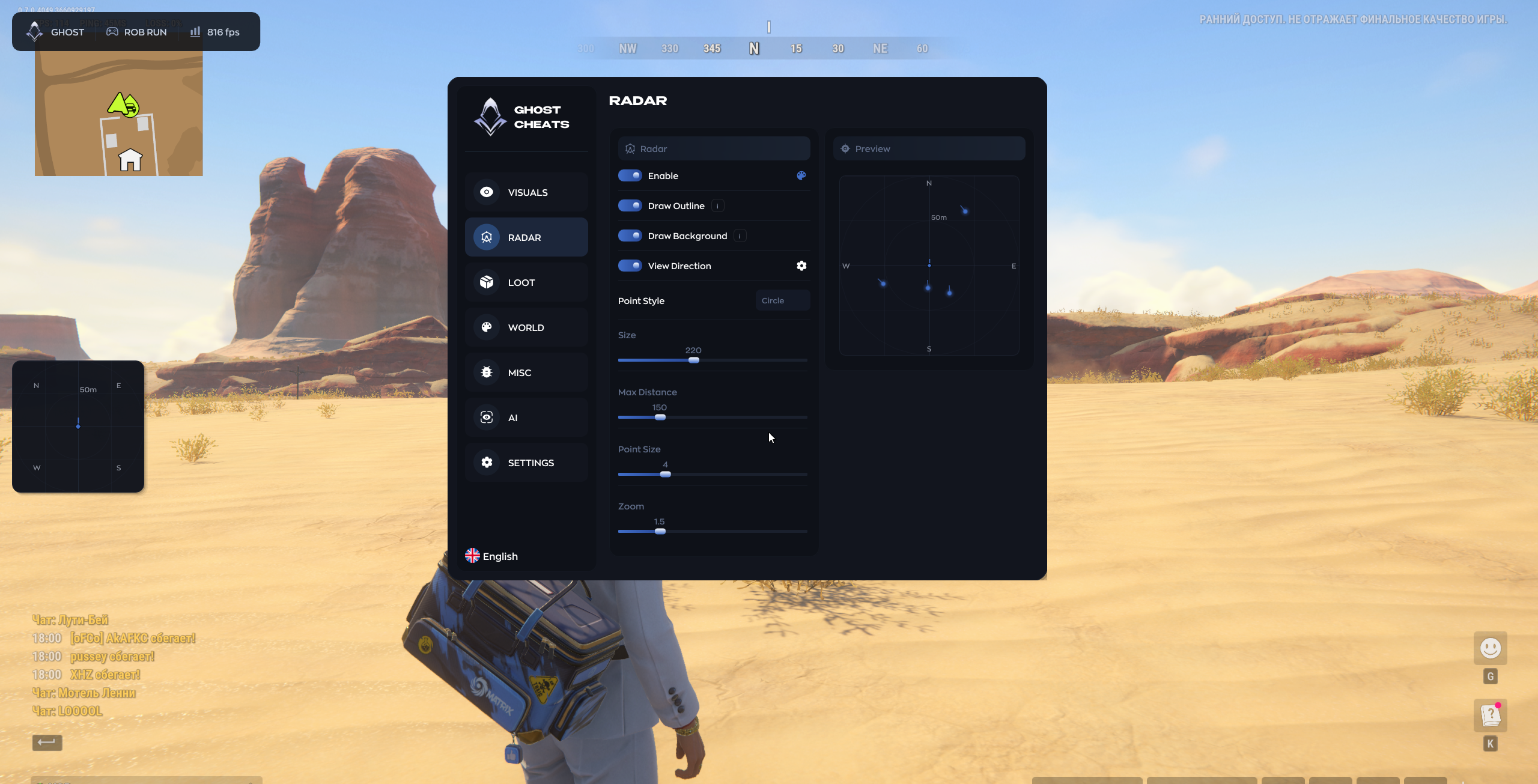
Outline — Adds a border around the minimap.
Background — Enables or disables the radar background.
View Direction — Shows the direction other players are facing on the radar.
Dot Style — The shape of player markers on the radar.
Size — Adjusts the overall size of the radar widget on the screen.
Max Distance — The maximum distance at which the radar displays other players.
Dot Size — Adjusts the size of the markers on the radar.
Zoom — Zooms the map in or out within the radar.
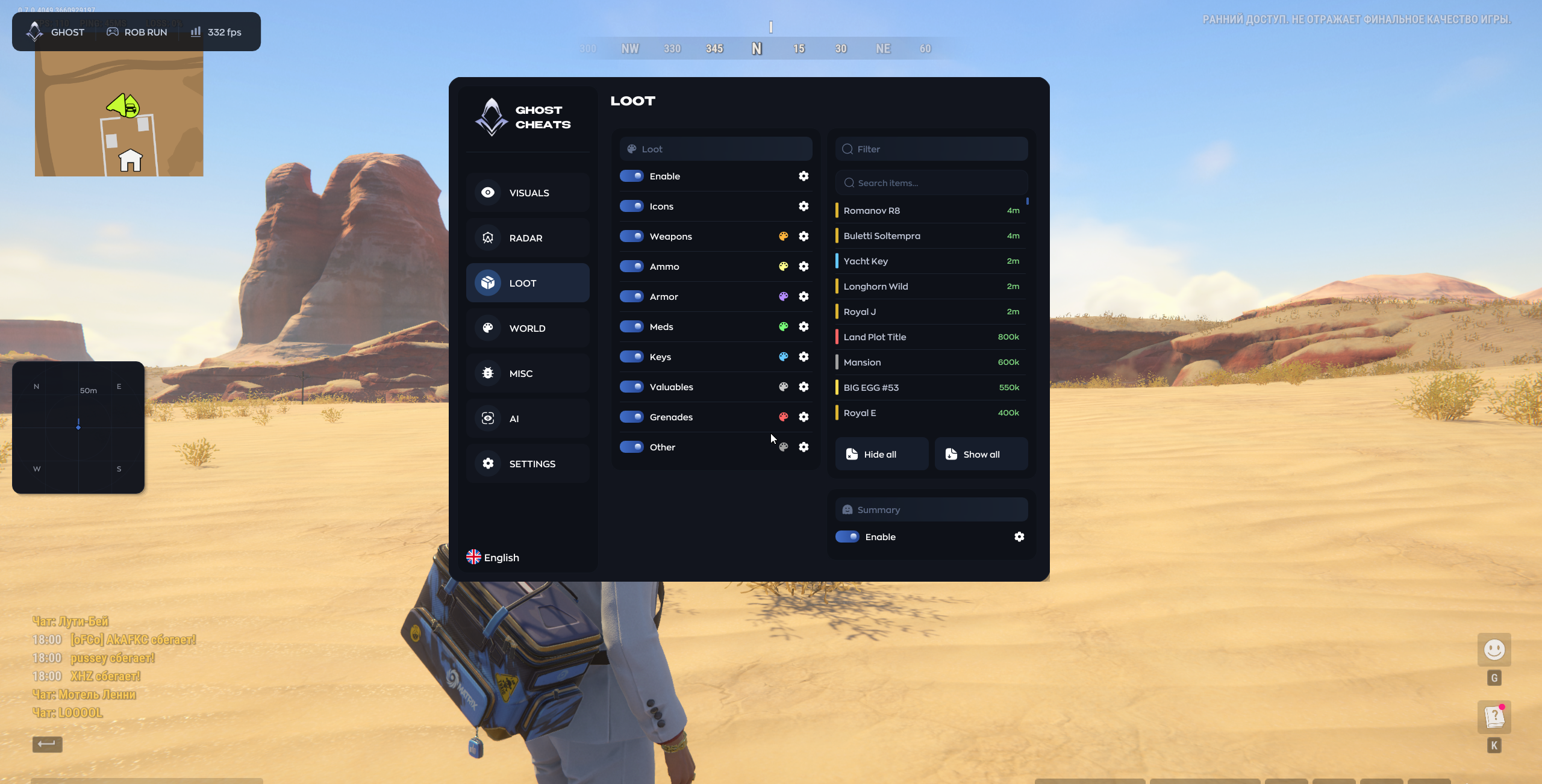
Icons — Displays item icons instead of text.
Weapon — Displays weapons on the map.
Ammo — Displays ammunition.
Armor — Displays armor.
Medications — Displays medkits and medical supplies.
Keys — Displays keys.
Valuables — Displays valuable items.
Grenades — Displays grenades.
Other — Displays other categories of loot.
Filter / Search Items — A search bar for selecting specific items.
Summary / Enable — Enables a separate window containing a list of all discovered loot.
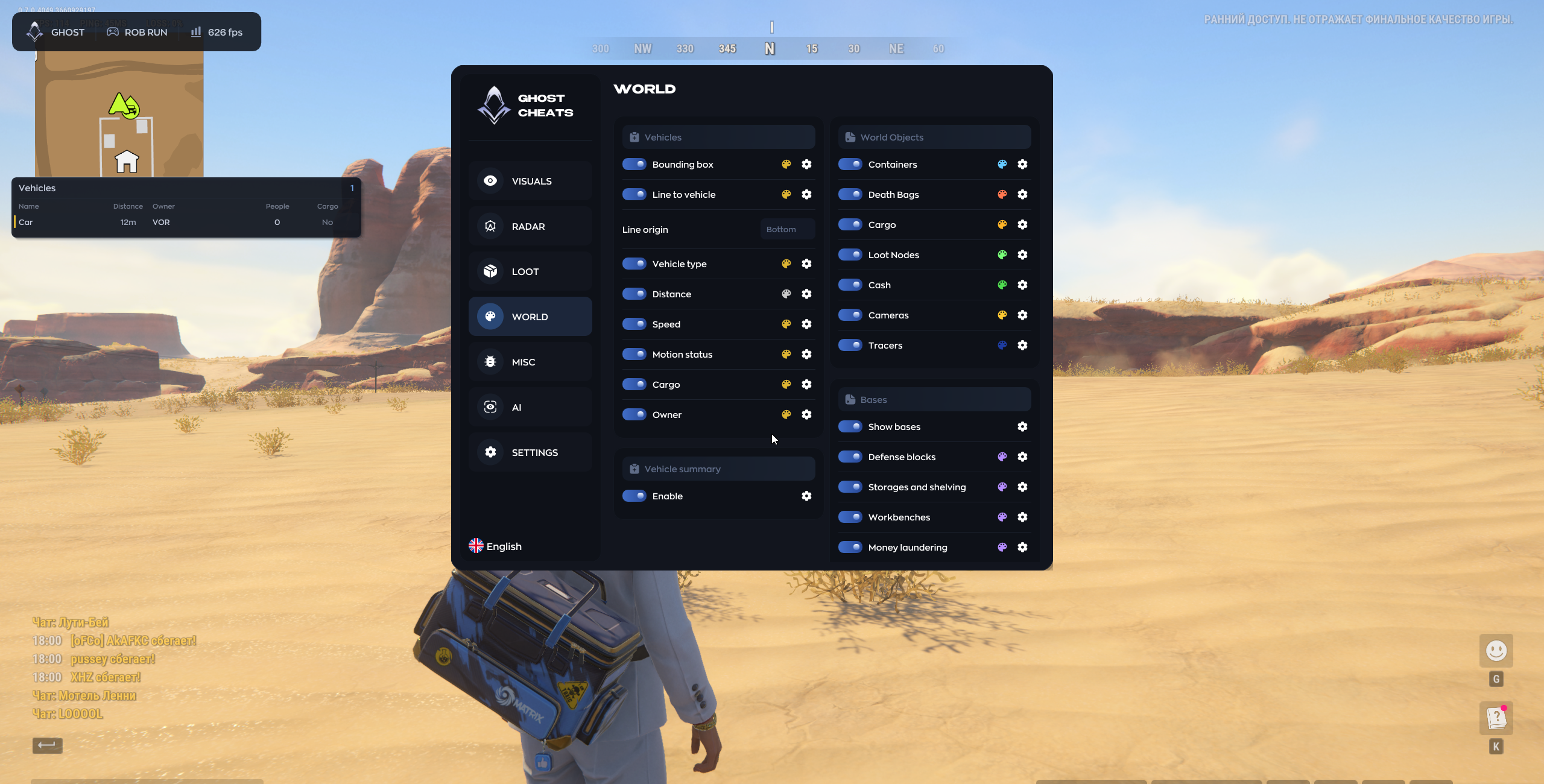
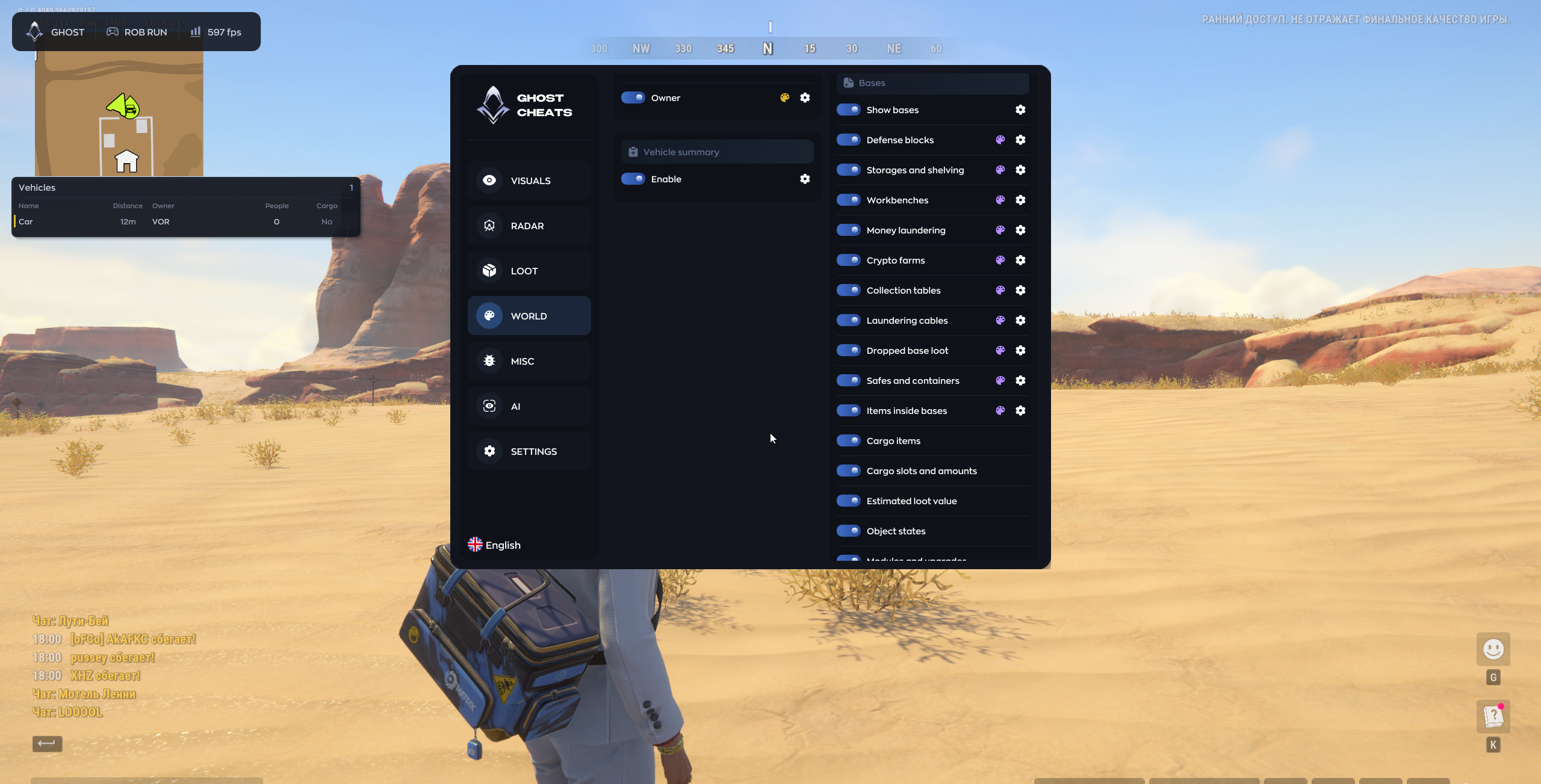
Vehicles
Box — Draws a frame around vehicles.
Text — Displays the vehicle's name and the distance to it.
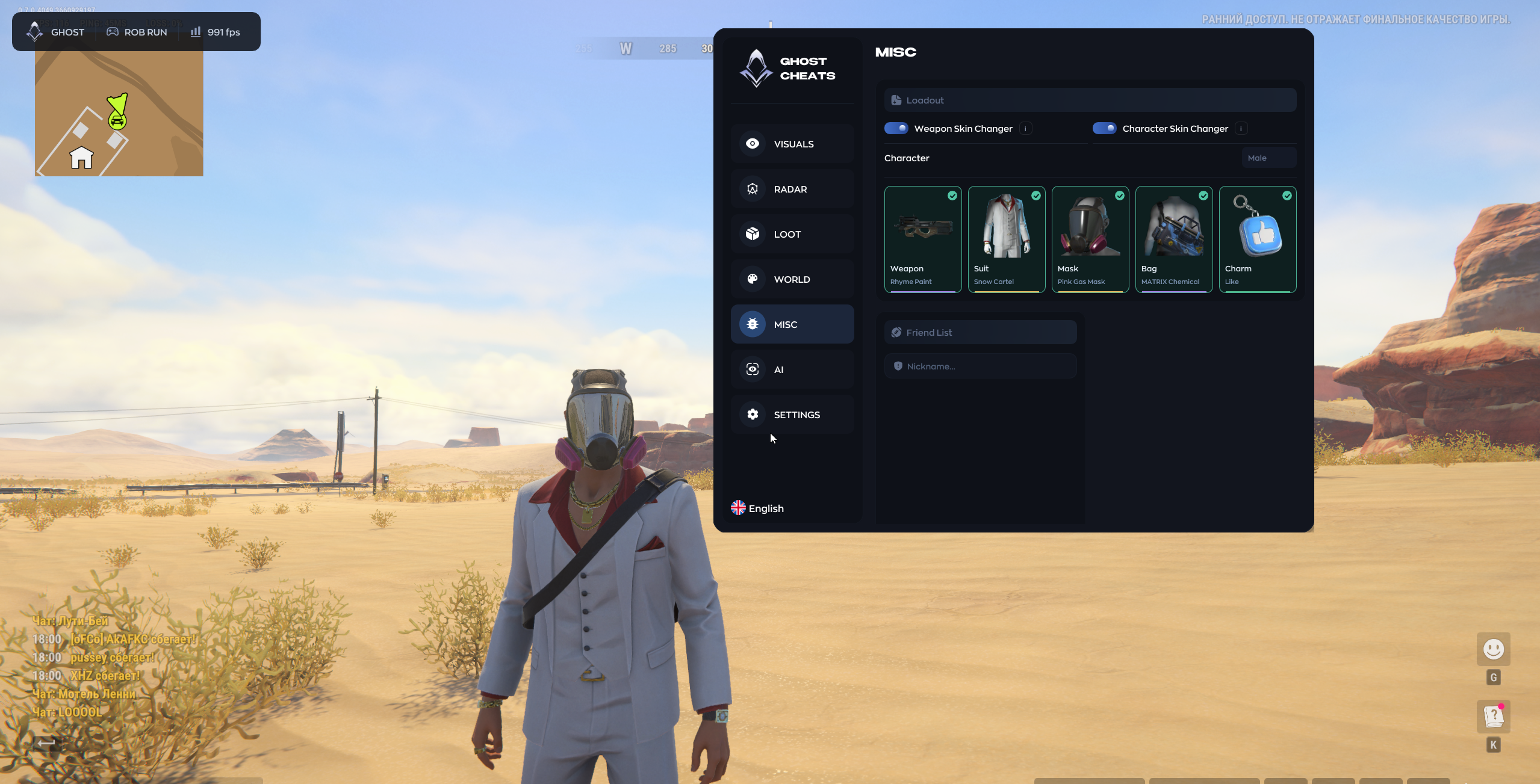
Friends — A list of friends, including the distance to each.
World Objects
Containers — Highlights containers.
Bags — Highlights bags.
Cargo — Highlights cargo.
Loot Spots — Shows loot spawn points.
Cash — Highlights dropped money.
Cameras — Highlights surveillance cameras.
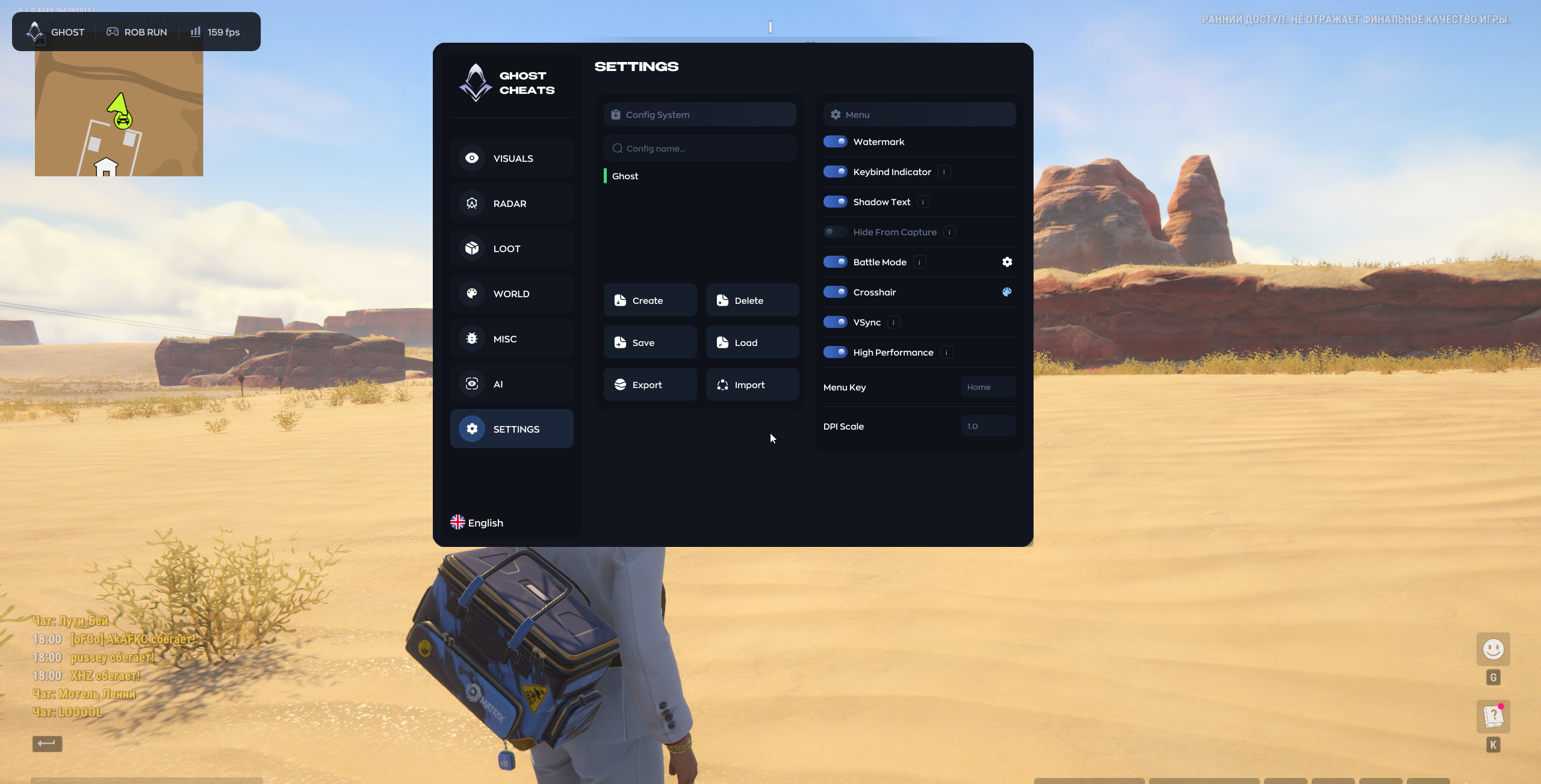
Config System
Create — Create a new config.
Delete — Delete the selected config.
Save — Save current settings to a config.
Load — Load settings from the selected config.
Export — Save a config to a file.
Import — Load a config from a file.
Watermark — Displays the cheat's logo on the screen.
Binds Indicator — Displays pressed keys on the screen.
Text Shadow — Enables a shadow for interface text.
Hide from Capture — Makes the menu invisible in screenshots and streams.
Combat Mode — Hides the menu when a specific key is pressed.
Crosshair — Enables a custom crosshair.
V-Sync — Enables vertical synchronization.
High Performance — Optimizes the menu to improve FPS.
Menu Key — Sets the key used to open/close the menu.
DPI Scale — Adjusts the size of menu elements.
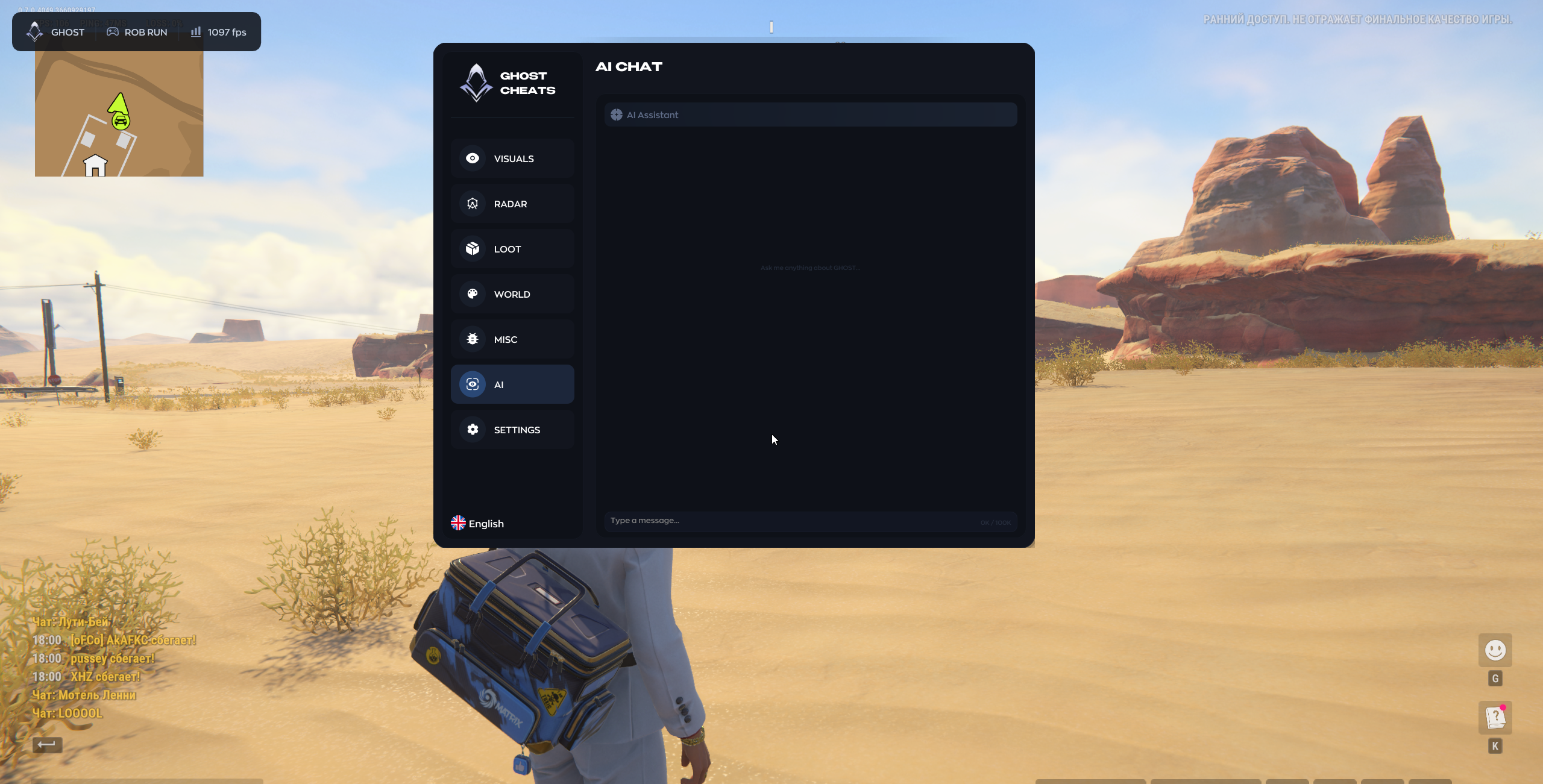
AI Assistant — A built-in chatbot for answering questions and providing assistance with the menu.

OUR REVIEWS

We value our reputation, and our reviews will prove it

No reviews yet

Be the first to rate this cheat — your review will help others decide

JOIN US

Learn more about our partners — we work everywhere and our team keeps growing.