Ghost Cheats
Sign in
Product status:Undetected

Rob Run FULL

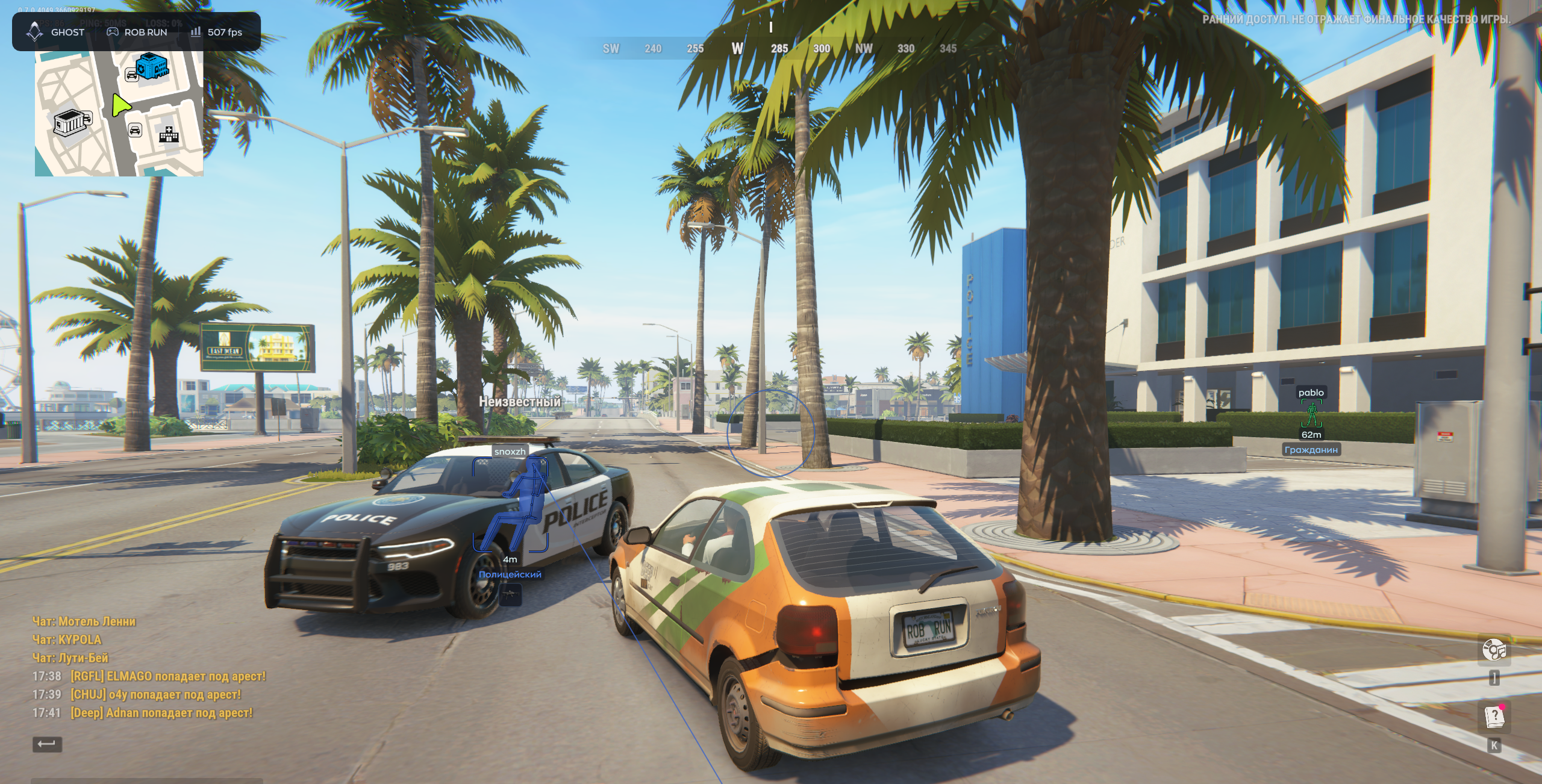
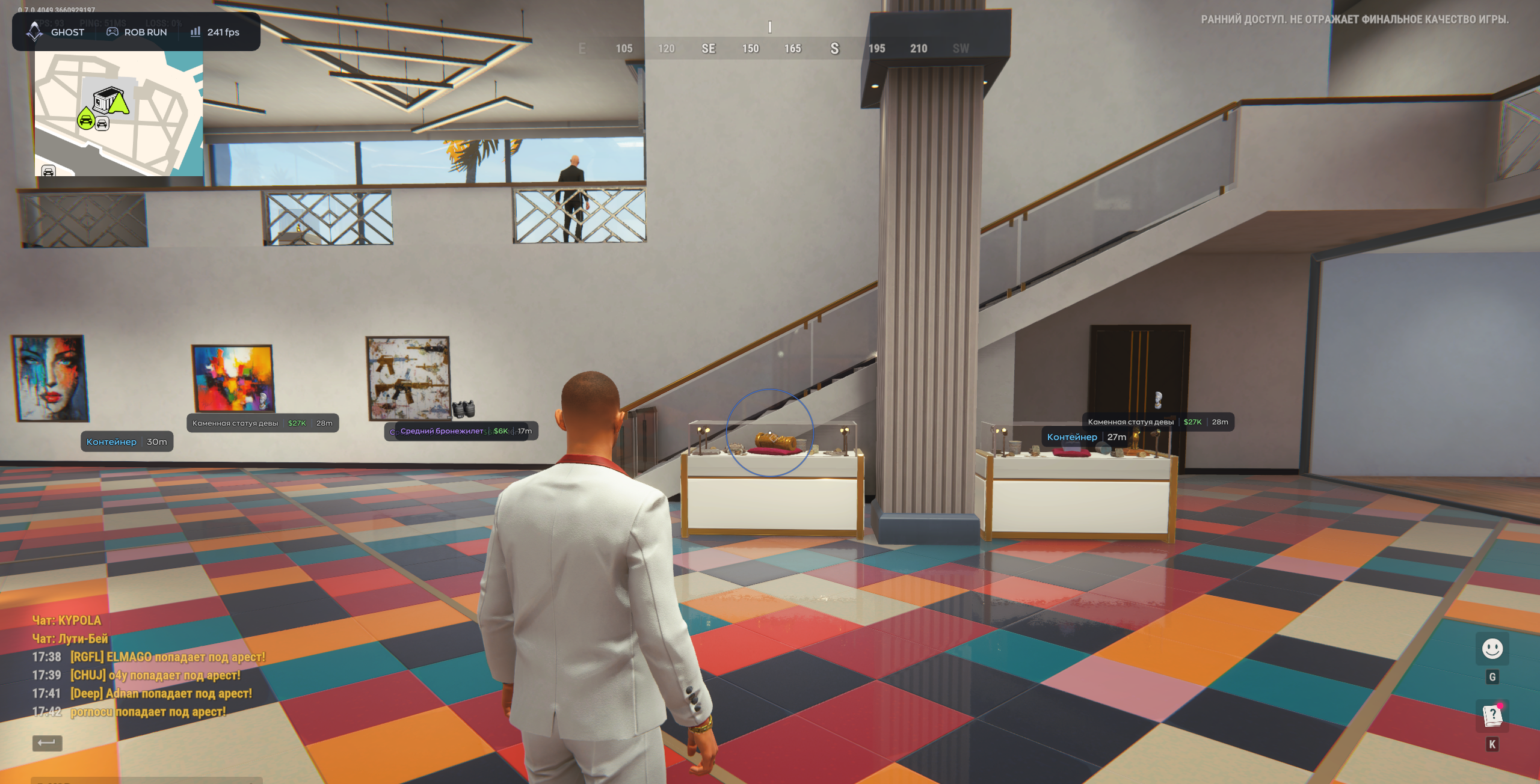
Purchase a cheat for Rob Run from the Ghost project: a full suite of features, including Aimbot, Visuals, and Misc options. Includes protection against bans and receives regular updates.

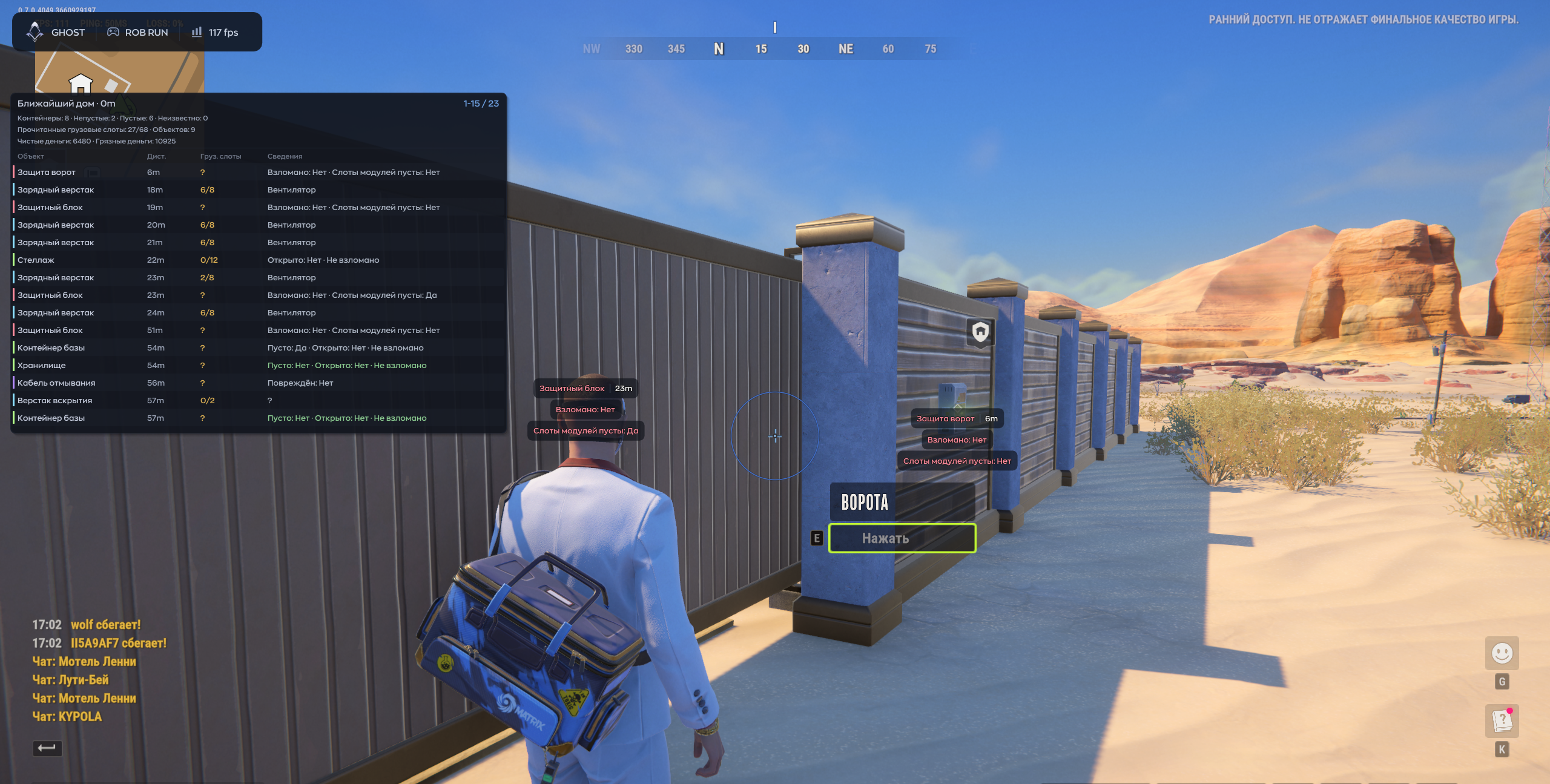
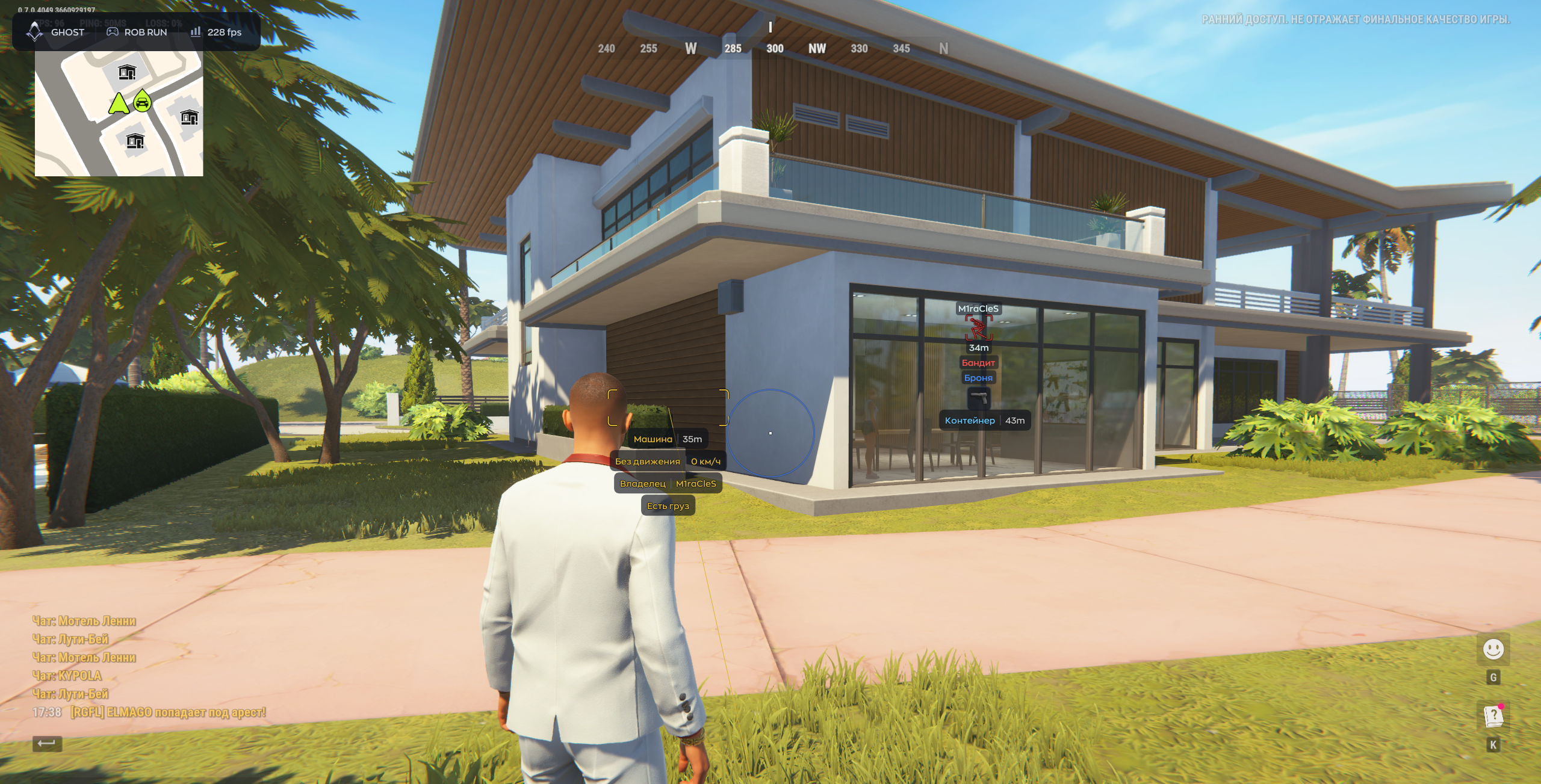
VISUALS - ESP

PLAYERS
Enabled
Visible Checkrisk!
Weapon
Distance
100m
Armor
Skeleton
BOTS
Enabled
Visible Check
Weapon
Distance
100m
Armor
ZOMBIES
Enabled
VEHICLES
Enabledrisk!
Distance
100m

Choose plan

Pick your duration — instant activation, updates and 24/7 support already included.

Regular plan
$3.00−10%
$2.701 day

A full day of access. A clean way to test the cheat on your own rig and in your own games before committing to a longer plan.

Regular plan
$25.00−15%
$21.2530 day

The best value per day — built for players who are on daily.

Plan discount−15% ($3.75)
Quantity1
Total$21.25

Sign in to unlock rank, referral and bonus discounts

Regular plan
$15.00−15%
$12.757 day

A week with no limits. The sweet spot for evening and weekend sessions.

all about our product

A detailed look at the product: supported features, flexible settings and the system requirements for smooth, stable performance.

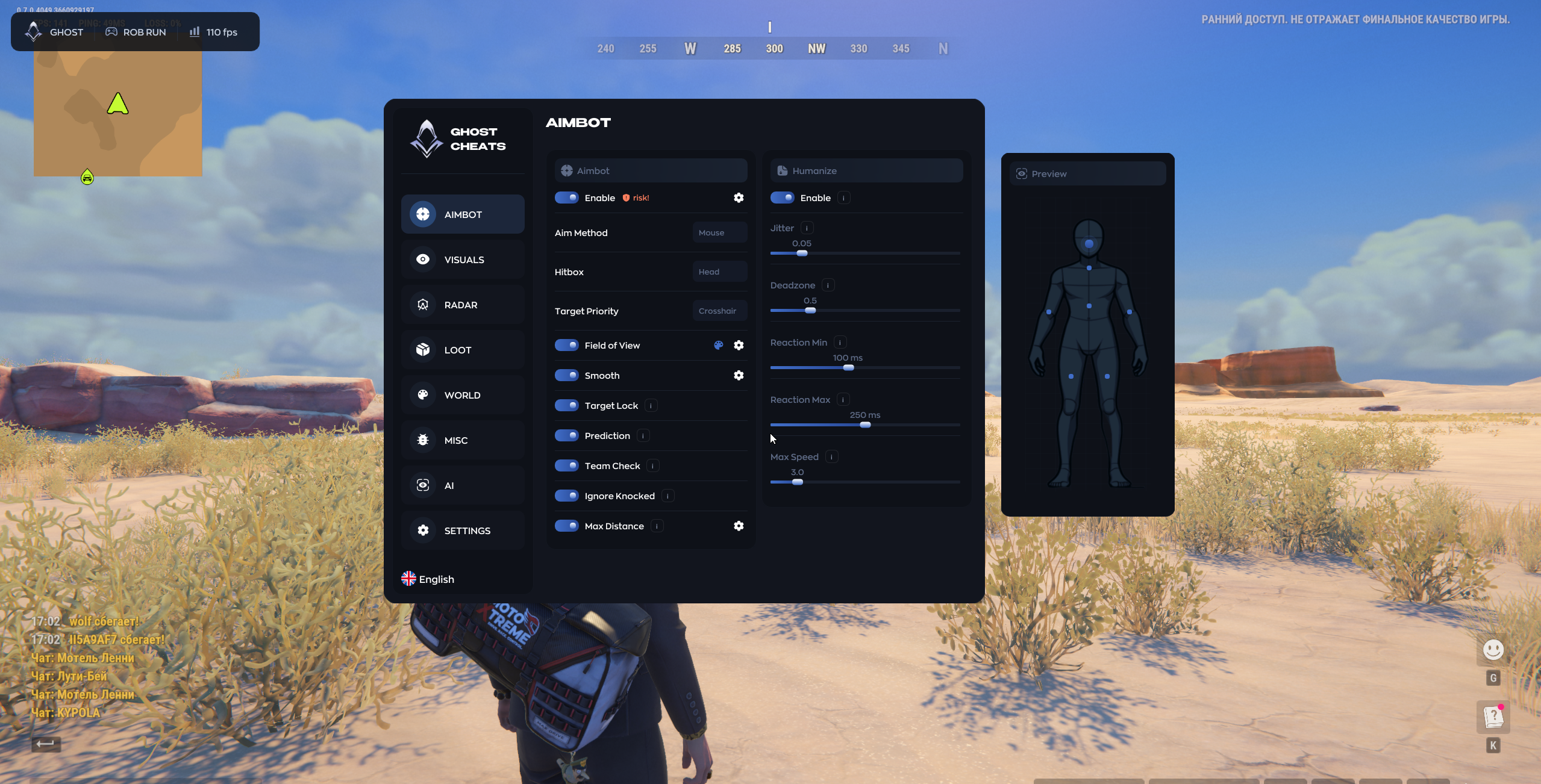
Enable — Toggle on/off
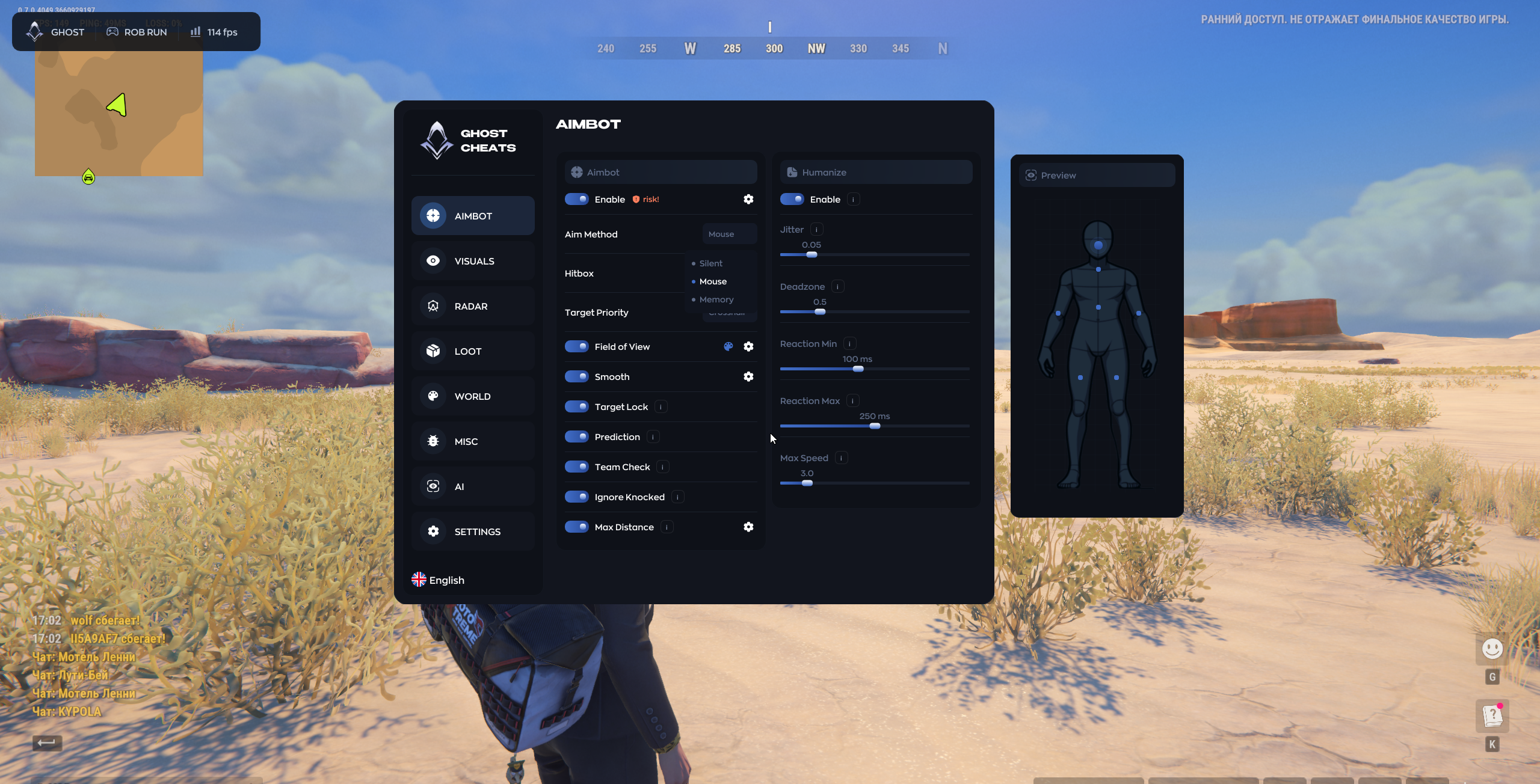
Aim Method — Targeting method (Mouse / Silent / Memory)
Hitbox — The specific body part the aimbot targets
Target Priority — Criteria for selecting a target
Field of View — The radius within which the aimbot locks onto targets
Smoothness — The fluidity of the aiming movement
Target Lock — Maintains the lock on a target even if it moves outside the field of view
Prediction — Accounts for target movement to aim ahead of the target
Team Check — Ignores teammates and allies when targeting
Max Distance — The maximum range at which the aimbot functions
Shake — Adds a subtle, jittery motion to the crosshair while aiming
Dead Zone — A radius around the target within which the crosshair does not move automatically
Min Reaction / Max Reaction — A delay before the aiming process begins
Max Speed ​​— Limits the maximum speed at which the camera can turn
Hit Chance — The probability that the aimbot will intentionally miss
Line to Target — Draws a visual line from your crosshair to the target
Preview — A preview window
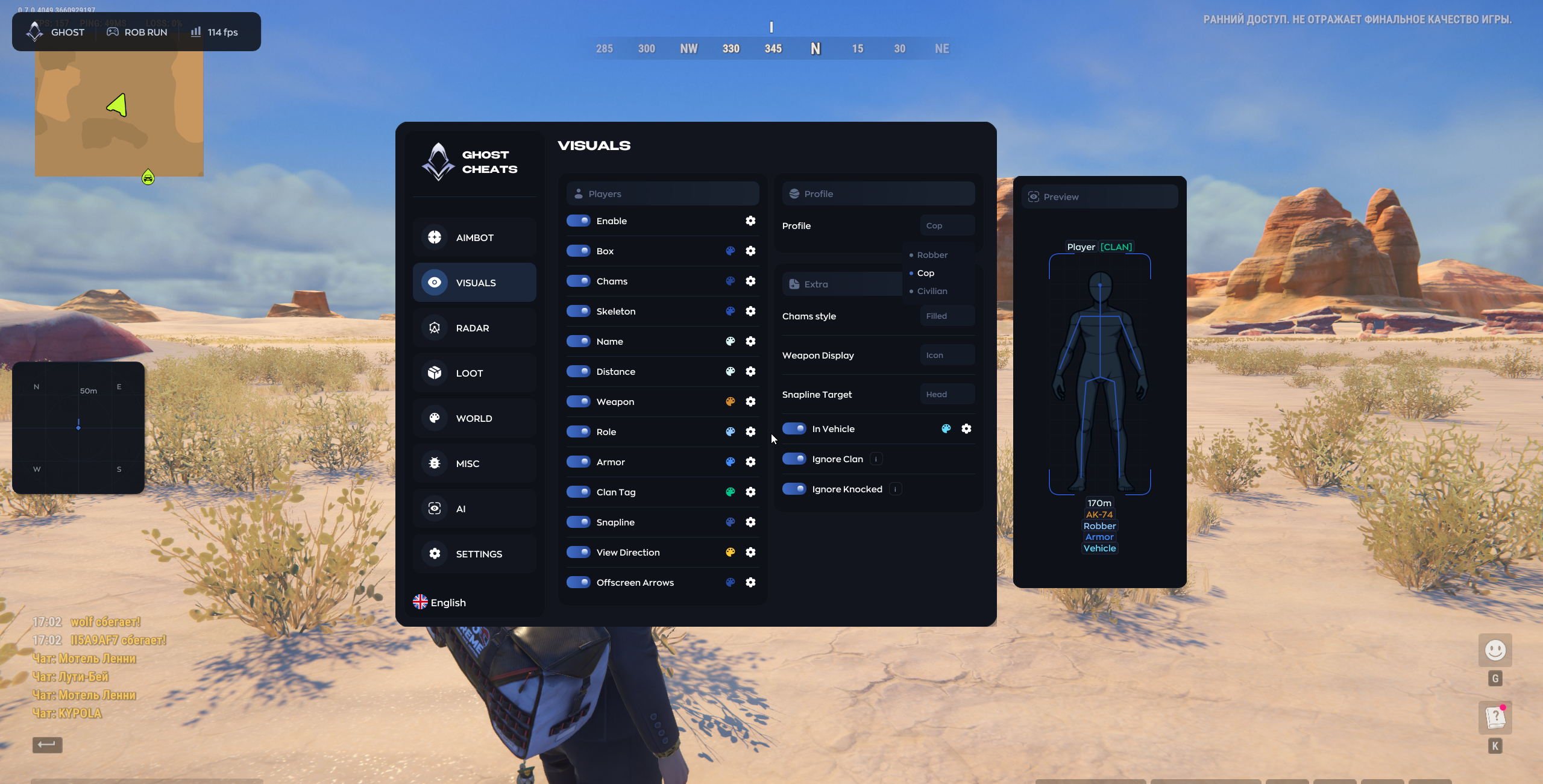
Box — Draws a rectangle around the player model.
Chams — Recolors the player model with a solid color.
Skeleton — Displays the player's skeletal structure.
Name — Shows the player's nickname.
Distance — Shows the distance to the player.
Weapon — Displays the player's weapon.
Role — Shows the player's in-game role or profession.
Armor — Displays the presence and level of armor.
Clan Tag — Shows the player's clan or faction tag.
Line — Draws a line from the edge (or bottom) of the screen toward the player.
View Direction — Displays a line indicating the direction the player is looking.
Show Factions — A display filter for factions.
Weapon Selection — Allows choosing the weapon display format (icon or text).
Ignore Clan — Allows you to ignore specific clans or tags.
Preview — A preview window for visualizing your settings on a model.
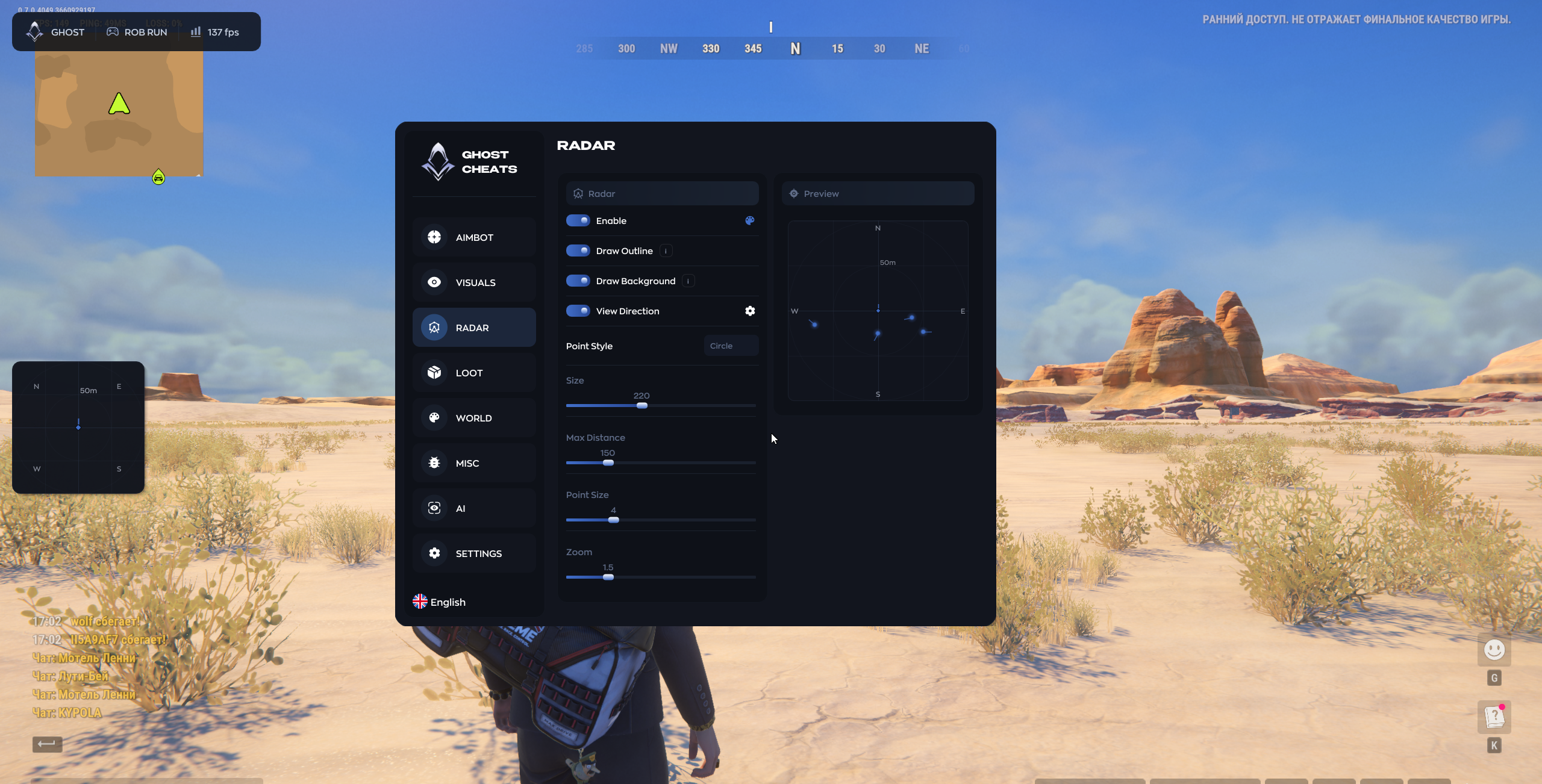
Outline — Adds a border around the minimap.
Background — Enables or disables the radar background.
View Direction — Shows the direction other players are facing on the radar.
Dot Style — The shape of player markers on the radar.
Size — Adjusts the overall size of the radar widget on the screen.
Max Distance — The maximum distance at which the radar displays other players.
Dot Size — Adjusts the size of the markers on the radar.
Zoom — Zooms the map in or out within the radar.
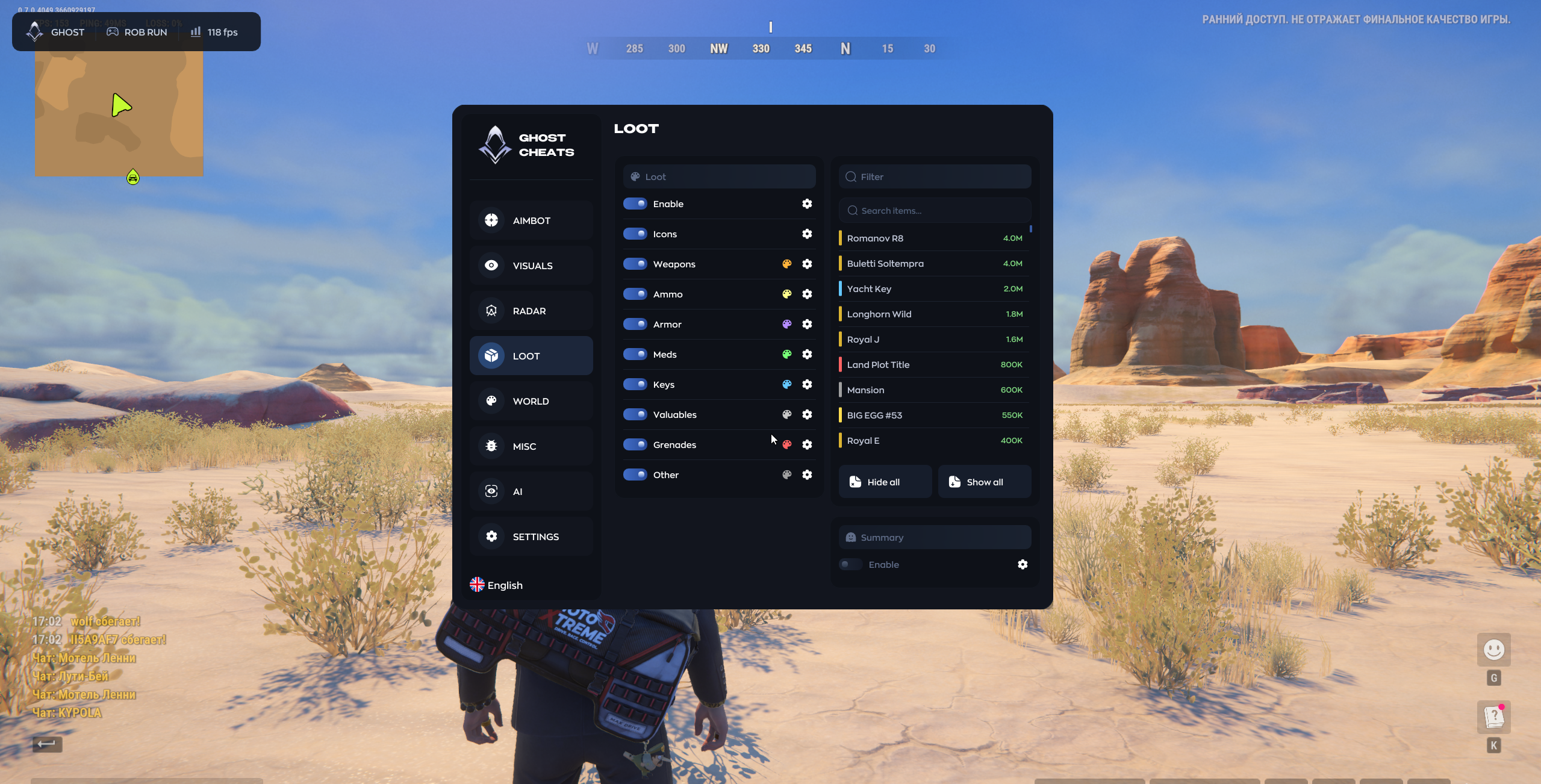
Icons — Displays item icons instead of text.
Weapon — Displays weapons on the map.
Ammo — Displays ammunition.
Armor — Displays armor.
Medications — Displays medkits and medical supplies.
Keys — Displays keys.
Valuables — Displays valuable items.
Grenades — Displays grenades.
Other — Displays other categories of loot.
Filter / Search Items — A search bar for selecting specific items.
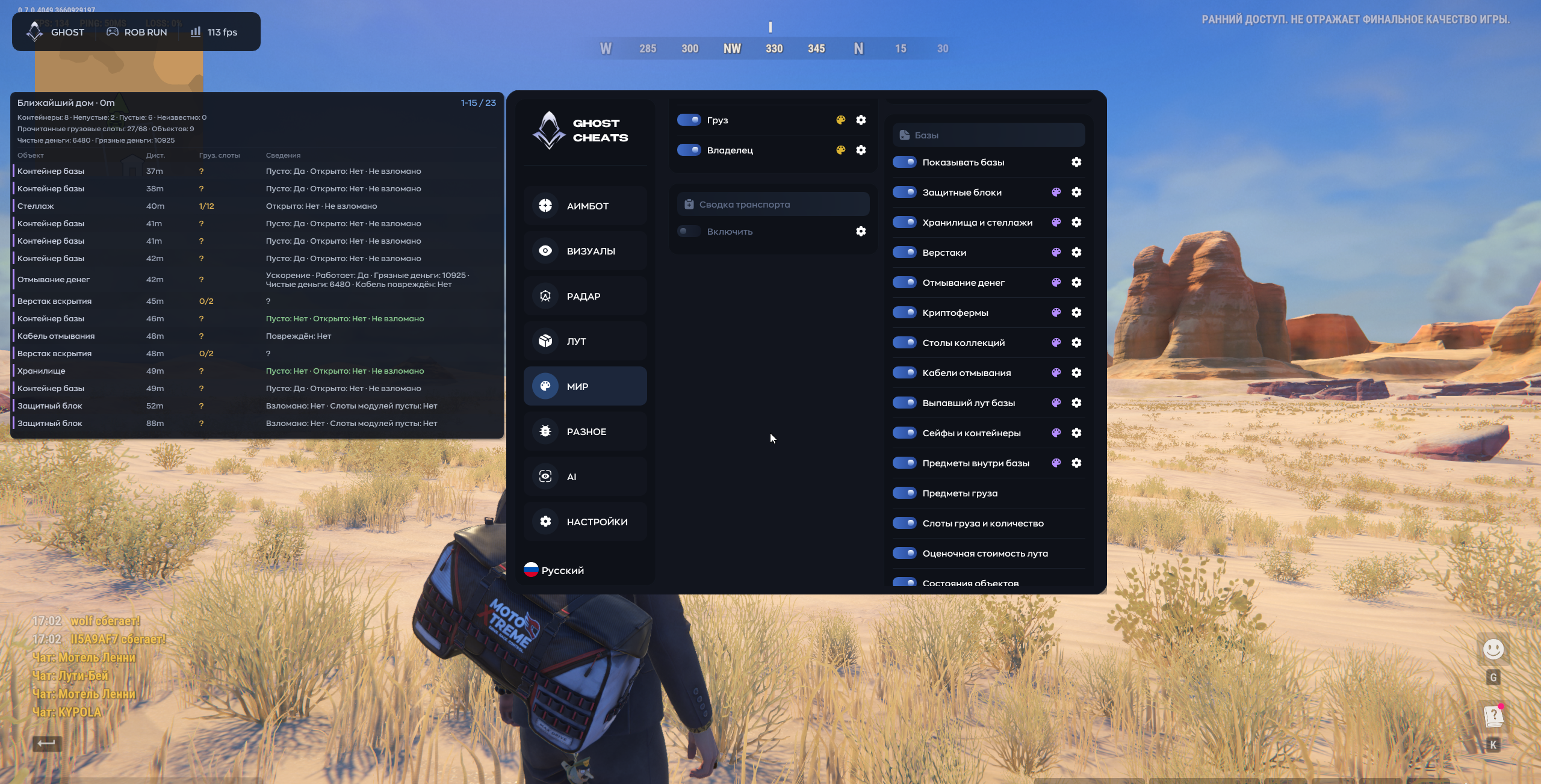
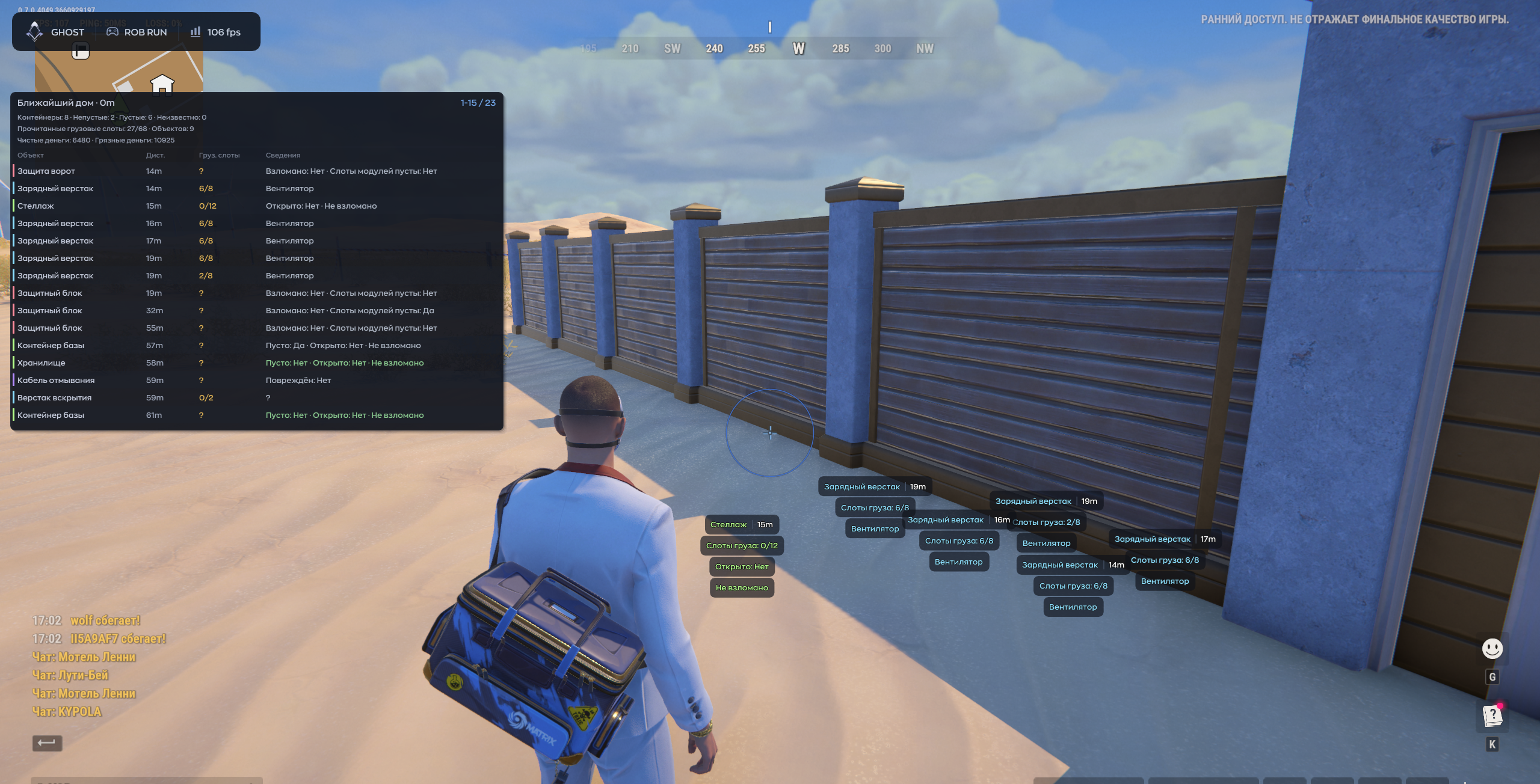
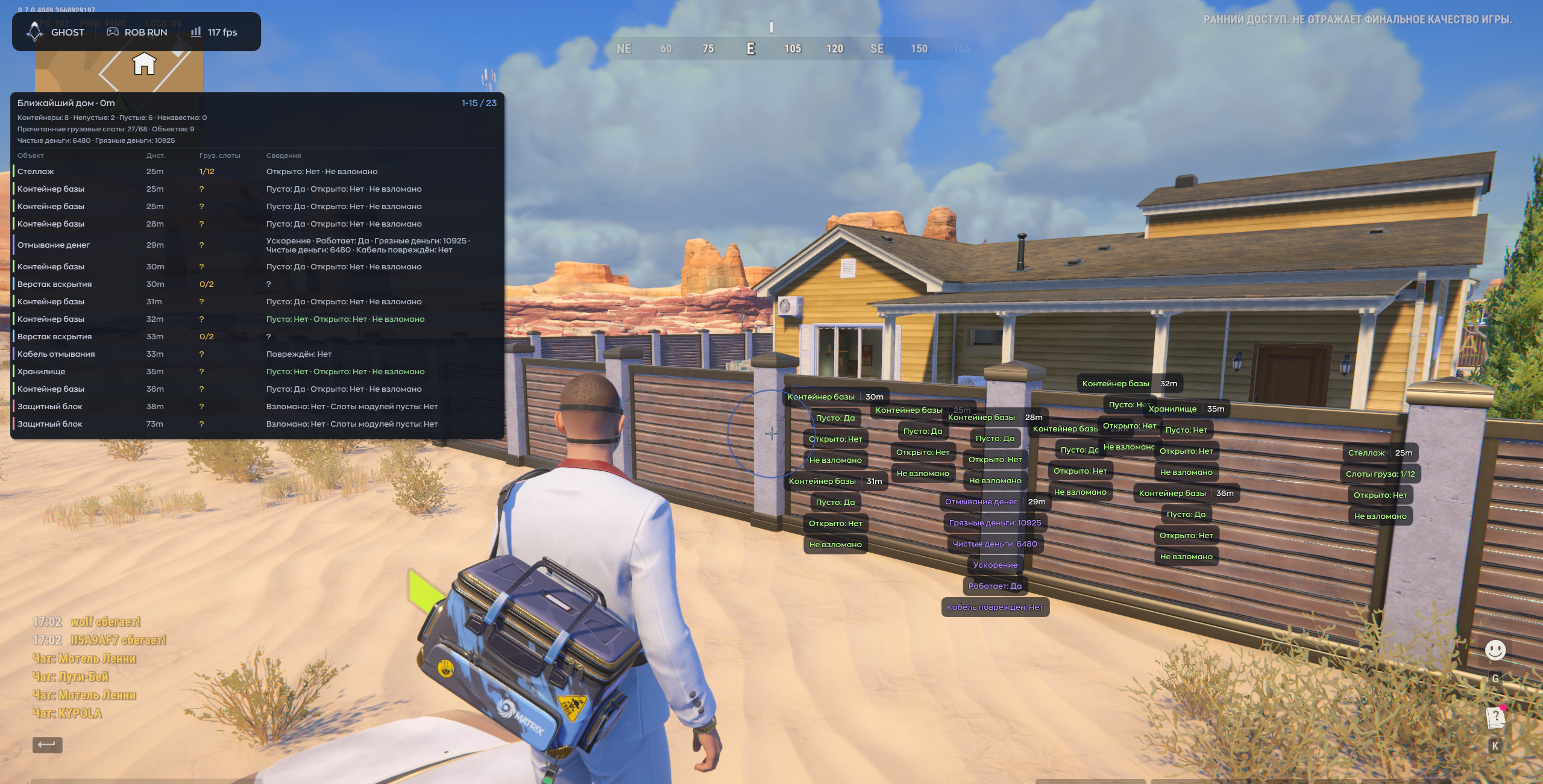
Summary / Enable — Enables a separate window containing a list of all discovered loot.
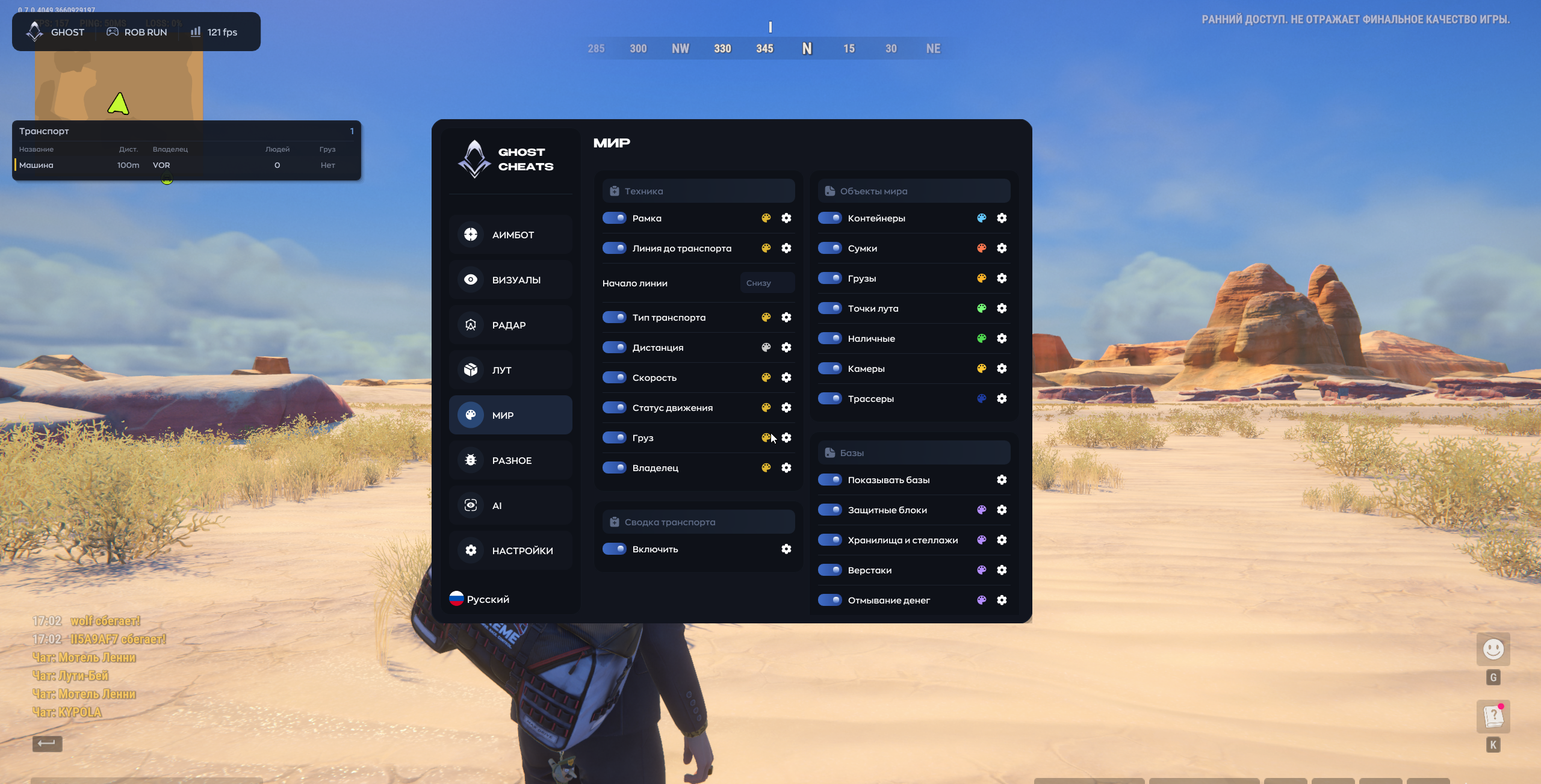
Vehicles
Box — Draws a frame around vehicles.
Text — Displays the vehicle's name and the distance to it.
Friends — A list of friends, including the distance to each.
World Objects
Containers — Highlights containers.
Bags — Highlights bags.
Cargo — Highlights cargo.
Loot Spots — Shows loot spawn points.
Cash — Highlights dropped money.
Cameras — Highlights surveillance cameras.
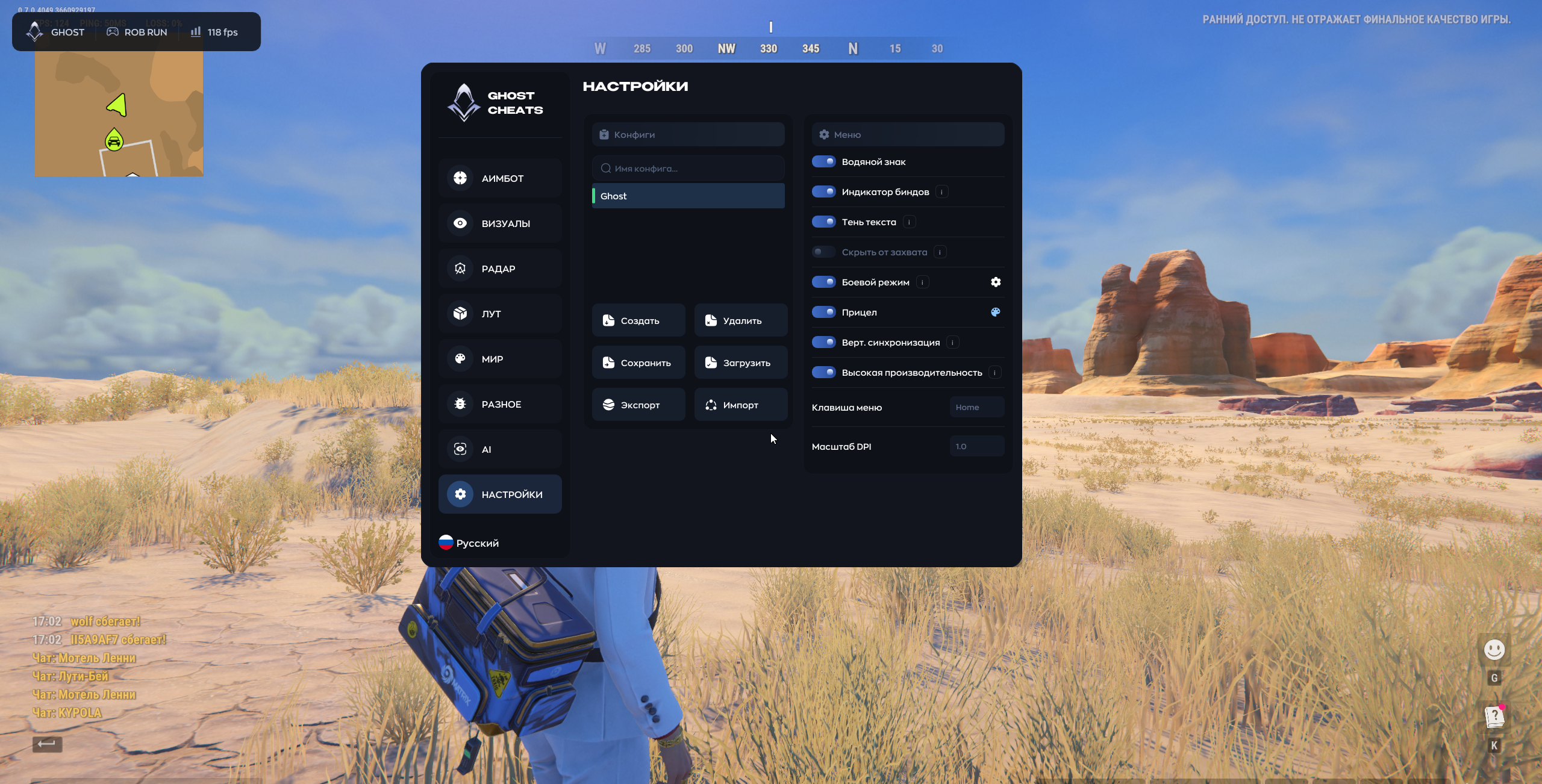
Create — Create a new config.
Delete — Delete the selected config.
Save — Save current settings to a config.
Load — Load settings from the selected config.
Export — Save a config to a file.
Import — Load a config from a file.
Watermark — Displays the cheat's logo on the screen.
Binds Indicator — Shows pressed keys on the screen.
Text Shadow — Enables a shadow for interface text.
Hide from Capture — Makes the menu invisible in screenshots and streams.
Combat Mode — Hides the menu when a specific key is pressed.
Crosshair — Enables a custom crosshair.
V-Sync — Enables vertical synchronization.
High Performance — Optimizes the menu to improve FPS.
Menu Key — Sets the key used to open/close the menu.
DPI Scale — Adjusts the size of menu elements.
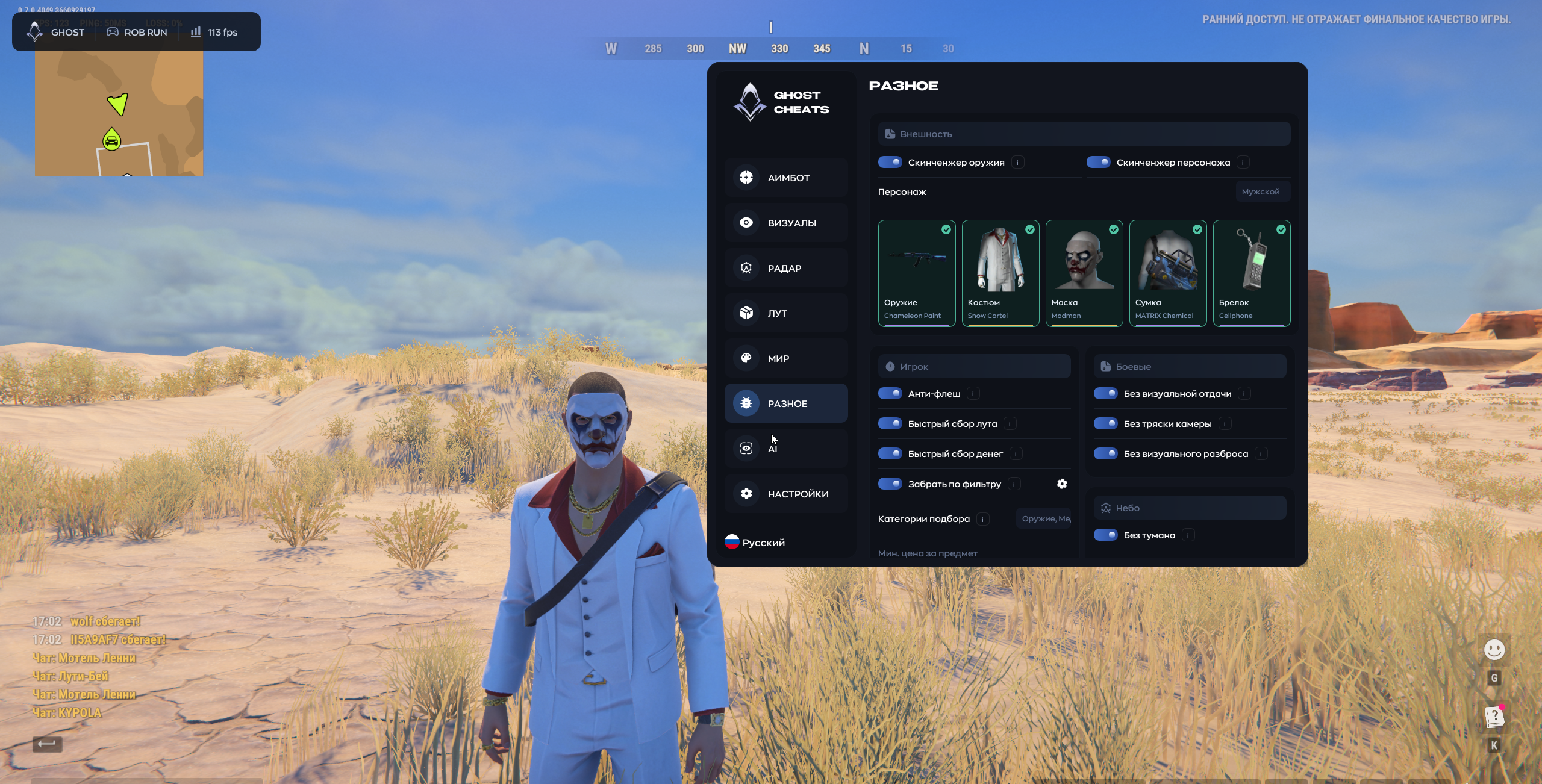
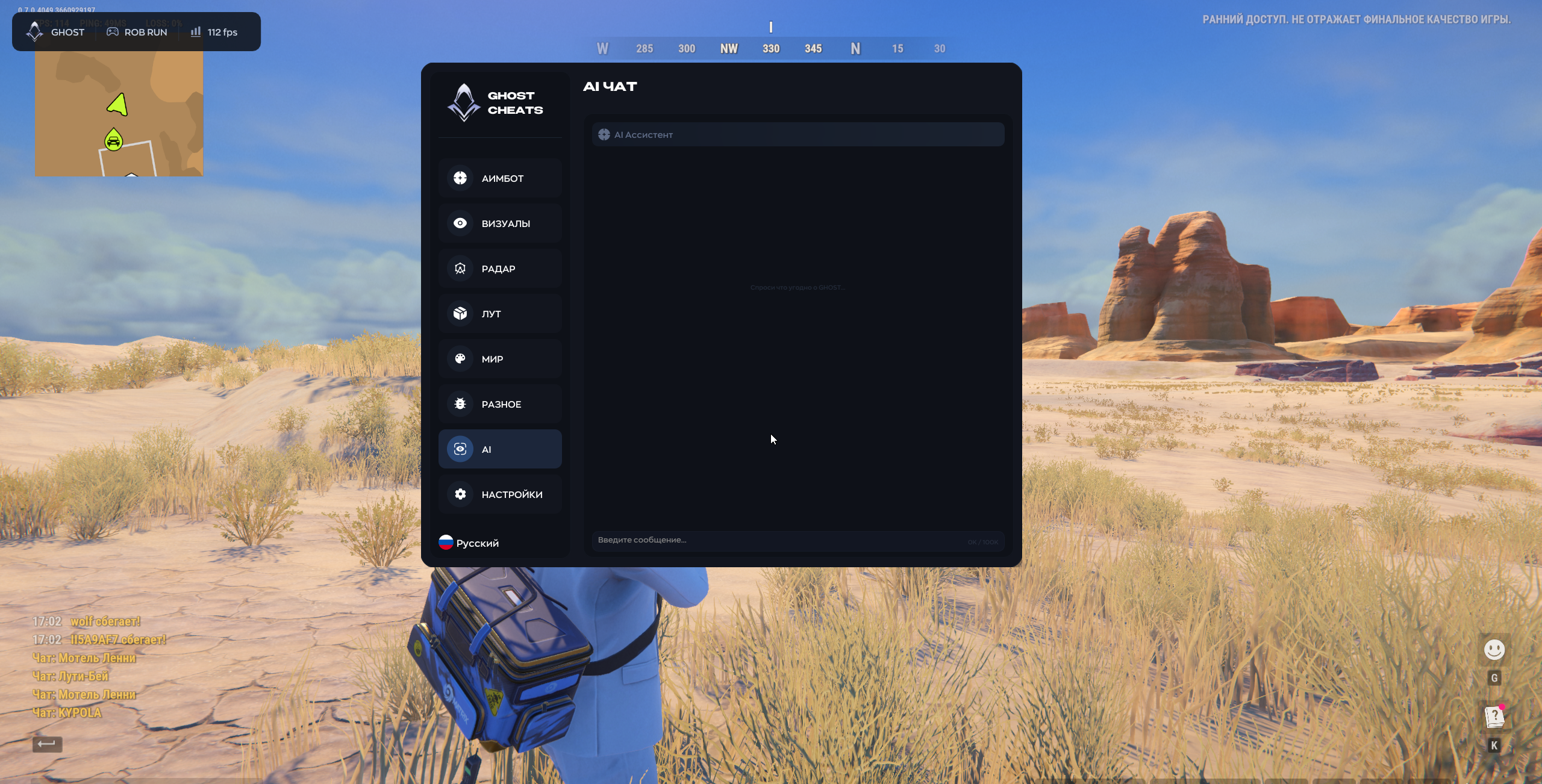
AI Assistant — A built-in chatbot for answering questions and providing assistance with the menu.

OUR REVIEWS

We value our reputation, and our reviews will prove it

JOIN US

Learn more about our partners — we work everywhere and our team keeps growing.